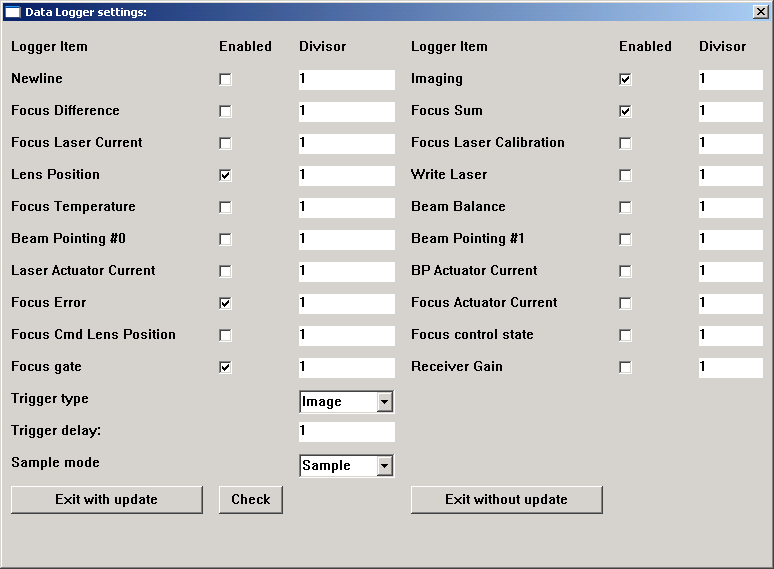
LogSetup.spt is used to setup the TH2 data logger. The data logger can be used to collect real time information about various actuators and sensors in the head. This script is supplied by the Thermal 2 group.
The default settings can be used to help determine focus-related problems, using foclog.spt.
Each log item can be turned on or off by selecting the Enabled check box. The divisor can be used to sub sample the data. That is, if you want only every third data item, then enter a divisor of three.
In order exit the script, click either the Exit with update button or the Exit without update button.
Important Note: Each log item takes a small amount of processing time in the head, so there is a maximum number of log items that you can have on at any time. LogSetup.spt provides a Check button. Once you have entered all of the desired log items, click the Check button. The script will do a quick calculation to see if you will be taking up too much processing time to save the log items. If too many log items are chosen, then an error window will be displayed.
Important Note: It is best to turn off all log items once you have finished your task.
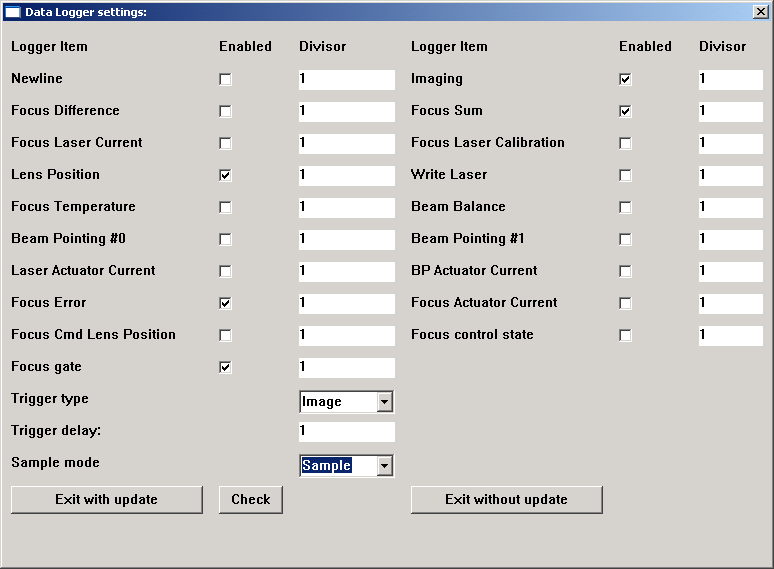
Important Note: Heads with firmware version 1.04 or newer can handle Receiver Gain as well. LogSetup.spt will check for Receiver Gain and display as an option if it the firmware is a new enough version. The updated dialog will look as follows: