Home | Contact Us | Submit Troubleshooting Info | Search | Help
Output | Software Solutions | Proofing | Color, Screening and Calibration | Scanning | Digital Photography | Consumables | POS
Home | Contact Us | Submit Troubleshooting Info | Search | Help
Output | Software Solutions | Proofing | Color, Screening and Calibration | Scanning | Digital Photography | Consumables | POS
If you need to distinguish which diode and LDD cause you problem, please use the following technique.
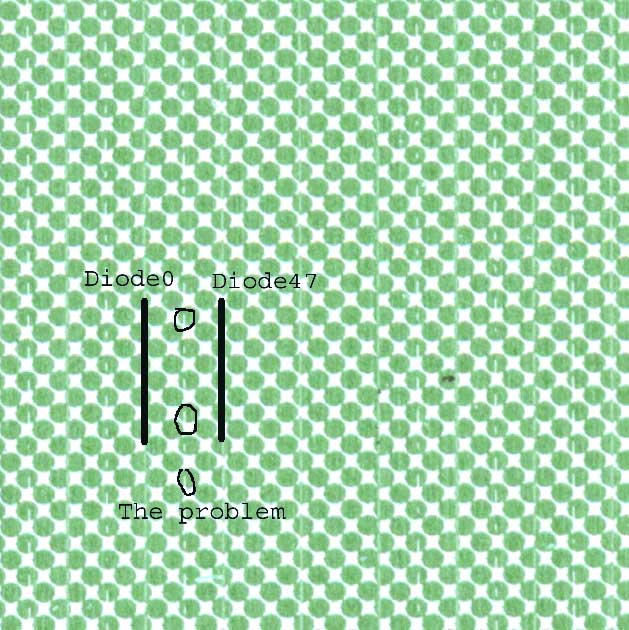
increase the factor of Diode 0 to 100, This will increase the power of the diode and then you can see his "foot mark" on the plate (please look on the attach file and change the scale to 75%).
In the attach file you can see a problem in which we miss part of the dot area in 75% screen. After we recognize that the problem related to one of the "middle" LDD/Diode, we switch between the "middle" LDD and the outside LDD and the problem disappear.