Home | Contact Us | Submit Troubleshooting Info | Search | Help
Output | Software Solutions | Proofing | Color, Screening and Calibration | Scanning | Digital Photography | Consumables | POS
Home | Contact Us | Submit Troubleshooting Info | Search | Help
Output | Software Solutions | Proofing | Color, Screening and Calibration | Scanning | Digital Photography | Consumables | POS
|
|
|||
Product |
Lotem® 800 |
||
|
|
|||
Symptoms |
|
||
|
|
|||
Cause |
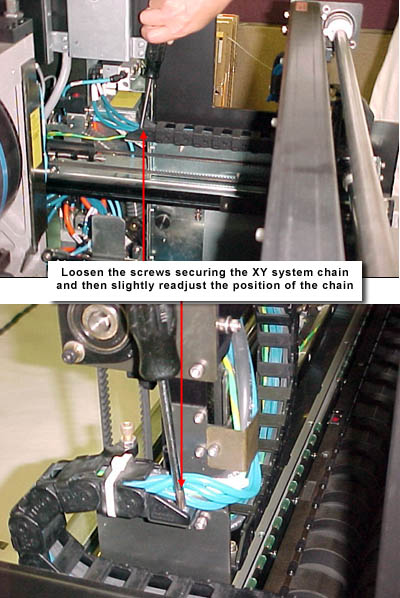
The XY system chain rubs against the inside top cover of the platesetter.
This causes the XY frame to shift left and right as the plate travels
from the cassette to the spiral drum pin. |
||
|
|
|||
Solution |
|
||
|
|
|||
Technical contact(s) |
|||
Submitted by |
|||
Date submitted |
30 Mar 2004 |
||