Home | Contact Us | Submit Troubleshooting Info | Search | Help
Output | Software Solutions | Proofing | Color, Screening and Calibration | Scanning | Digital Photography | Consumables | POS
Home | Contact Us | Submit Troubleshooting Info | Search | Help
Output | Software Solutions | Proofing | Color, Screening and Calibration | Scanning | Digital Photography | Consumables | POS
Description
The positioning of the proofing tray in the upper cassette of the DLC is
crucial for the loading reliability of the Spectrum device. The media must enter
the platesetter so that it attaches itself to the carrier on the platesetter
drum. Media attachment is determined by proofing tray positioning. If the media
is not positioned correctly, the vacuum may not hold the media and fly-off can
occur.
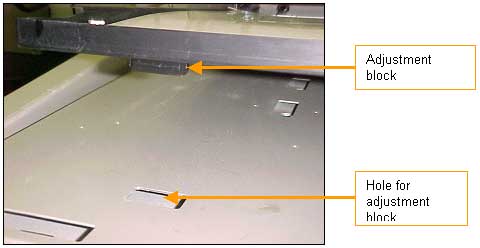
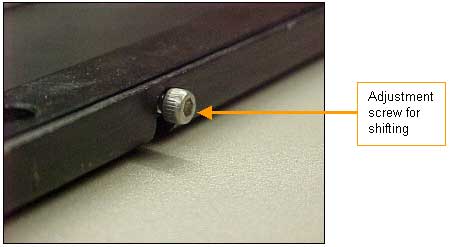
Positioning the Proofing Tray:
Note: The adjustment blocks can be left- and right-adjusted if required.