Home | Contact Us | Submit Troubleshooting Info | Search | Help
Output | Software Solutions | Proofing | Color, Screening and Calibration | Scanning | Digital Photography | Consumables | POS
Home | Contact Us | Submit Troubleshooting Info | Search | Help
Output | Software Solutions | Proofing | Color, Screening and Calibration | Scanning | Digital Photography | Consumables | POS
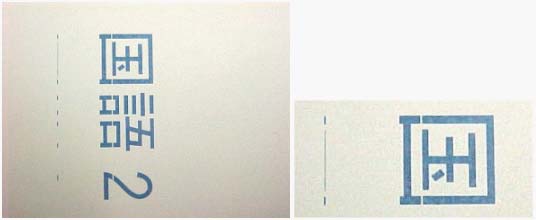
The Xilinx binary file attached resolves Data Shift Artifacts, such as those
shown below.
It also reduces the occurrence of error 5230 (apperaring on the Brisque) as
a result of data communication between the TSP and the TMCE.