Home | Contact Us | Submit Troubleshooting Info | Search | Help
Output | Software Solutions | Proofing | Color, Screening and Calibration | Scanning | Digital Photography | Consumables | POS
Home | Contact Us | Submit Troubleshooting Info | Search | Help
Output | Software Solutions | Proofing | Color, Screening and Calibration | Scanning | Digital Photography | Consumables | POS
|
|
||||||||||||||||||||||||||||||||||||||||||||
Product |
|
|||||||||||||||||||||||||||||||||||||||||||
|
|
||||||||||||||||||||||||||||||||||||||||||||
Background |
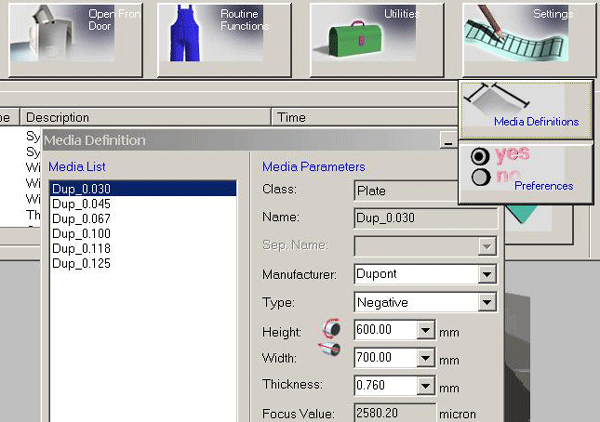
In order to work with the Strobe 7 board and expose in full imaging size, you need to change some parameter values, according to the table that follows. |
|||||||||||||||||||||||||||||||||||||||||||
|
|
||||||||||||||||||||||||||||||||||||||||||||
Procedure |
Verify that the values of the following parameters are set according to the chart following. Image area:
*The value depends on the device calibration. Note: The Drum Index value should be (-15). |
|||||||||||||||||||||||||||||||||||||||||||
|
|
||||||||||||||||||||||||||||||||||||||||||||
Technical contact(s) |
Content owner: Viki Arviv |
|||||||||||||||||||||||||||||||||||||||||||
Date submitted |
04 May 2004 |
|||||||||||||||||||||||||||||||||||||||||||