Home | Contact Us | Submit Troubleshooting Info | Search | Help
Output | Software Solutions | Proofing | Color, Screening and Calibration | Scanning | Digital Photography | Consumables | POS
Home | Contact Us | Submit Troubleshooting Info | Search | Help
Output | Software Solutions | Proofing | Color, Screening and Calibration | Scanning | Digital Photography | Consumables | POS
Product |
|
||
Symptoms |
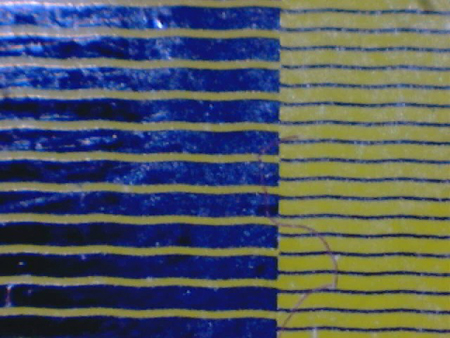
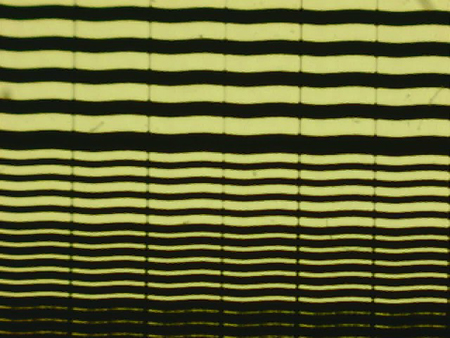
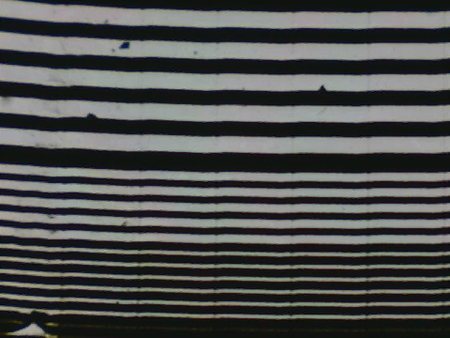
Wavy lines appear on the image in the subscan direction. |
||
Cause |
The edge of the V-groove is not at the proper distance from the optic lens, or the optic lens is defective. |
||
Solution |
|
||
Technical contact(s) |
|||
Submitted by |
|||
Date submitted |
13 May 2007 |
||