

Home | Contact Us | Submit Troubleshooting Info | Search | Help
Output | Software Solutions | Proofing | Color, Screening and Calibration | Scanning | Digital Photography | Consumables | POS
Home | Contact Us | Submit Troubleshooting Info | Search | Help
Output | Software Solutions | Proofing | Color, Screening and Calibration | Scanning | Digital Photography | Consumables | POS

This document is under construction. It presents the possible causes and solutions
for a variety of ThermoFlex Mid II error messages.
Select the relevant error message from the alphabetized list:
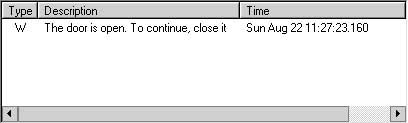
|
Description and possible cause: Solution: |
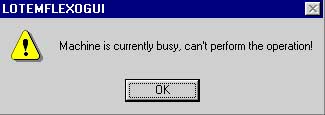
|
Description and possible cause: Solution: |
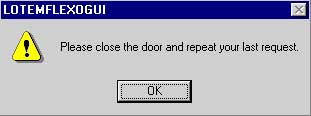 Back to top of page |
Description and possible cause: Solution:
|
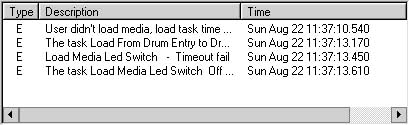 Back to top of page |
Description and possible cause: Solution:
|
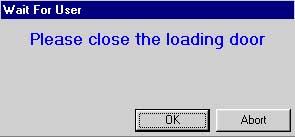 |
Description and possible cause: Solution:
|
| More solutions coming soon! |