Home | Contact Us | Submit Troubleshooting Info | Search | Help
Output | Software Solutions | Proofing | Color, Screening and Calibration | Scanning | Digital Photography | Consumables | POS
Home | Contact Us | Submit Troubleshooting Info | Search | Help
Output | Software Solutions | Proofing | Color, Screening and Calibration | Scanning | Digital Photography | Consumables | POS
Product |
|
||
Background |
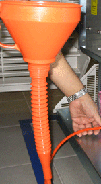
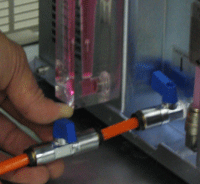
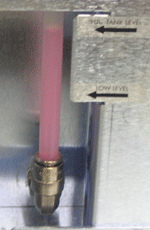
This procedure describes how to refill the chiller. |
||
Procedure |
|
||
Test |
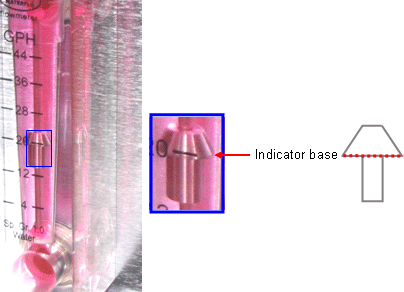
Verify that the flow meter indicator rises, and its base reaches the following level:
|
||
Technical contact(s) |
Content owner: Mario Amir |
||
Date submitted |
16 Jun 2005 |
||