Home | Contact Us | Submit Troubleshooting Info | Search | Help
Output | Software Solutions | Proofing | Color, Screening and Calibration | Scanning | Digital Photography | Consumables | POS
Home | Contact Us | Submit Troubleshooting Info | Search | Help
Output | Software Solutions | Proofing | Color, Screening and Calibration | Scanning | Digital Photography | Consumables | POS
Product |
|
||
Component |
Suction cup leg bearing
|
||
Symptoms |
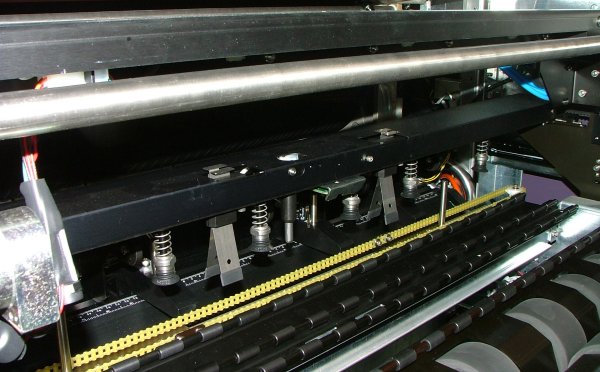
When the XY loading assembly bar transports the plate to the drum:
|
||
Cause |
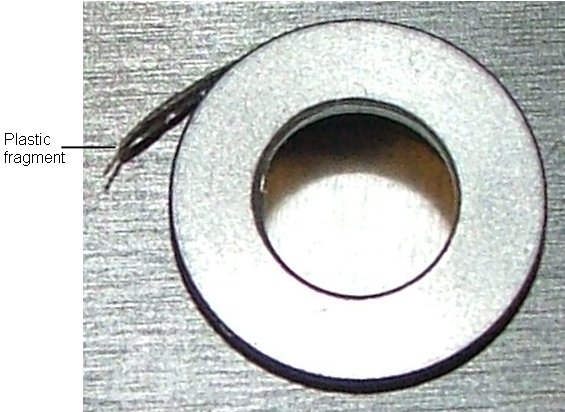
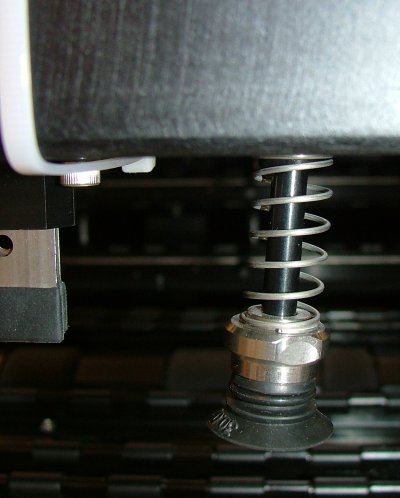
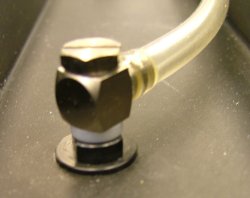
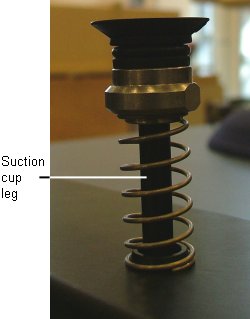
During the plate-picking stage of the loading sequence, the vertical orientation of one of the suction cups is skewed because a suction cup leg bearing is loosely seated in the XY loading assembly bar.
|
||
Solution |
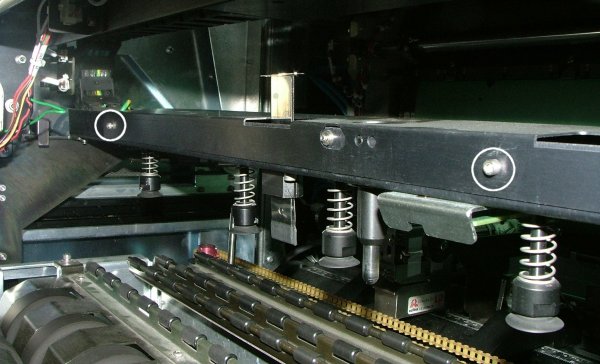
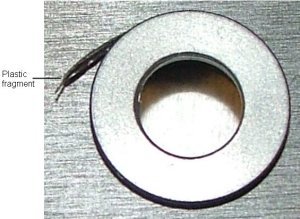
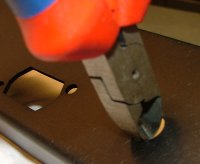
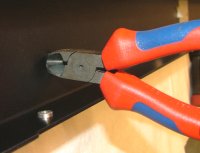
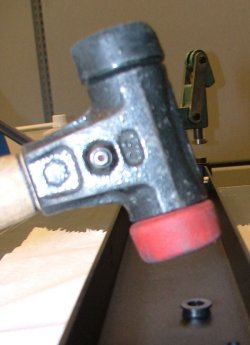
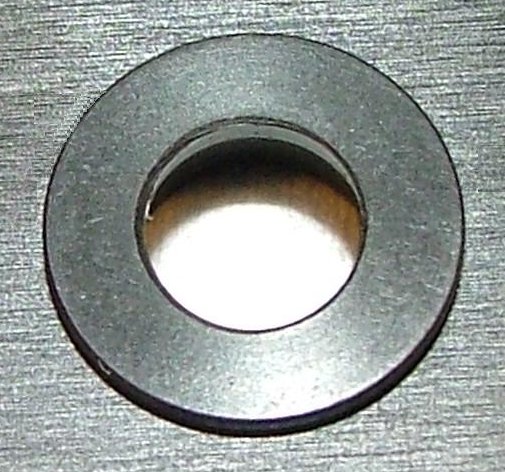
Replace the faulty suction cup leg bearing with a suction cup leg bearing for loading system (part number 518-02422A). Removing a faulty suction cup leg bearing
Installing a suction cup leg bearing for loading system
|
||
Technical contact(s) |
|||
Submitted by |
|||
Date submitted |
24 Jun 2007 |
||