Home | Contact Us | Submit Troubleshooting Info | Search | Help
Output | Software Solutions | Proofing | Color, Screening and Calibration | Scanning | Digital Photography | Consumables | POS
Home | Contact Us | Submit Troubleshooting Info | Search | Help
Output | Software Solutions | Proofing | Color, Screening and Calibration | Scanning | Digital Photography | Consumables | POS
|
|
|||
Product |
Kodak® Magnus™ 400 platesetter |
||
|
|
|||
Component |
LDA driver |
||
|
|
|||
Error |
A recovery message related to exposing with a reduced number of beams appears. |
||
|
|
|||
Symptoms |
Throughput is low. |
||
|
|
|||
Cause |
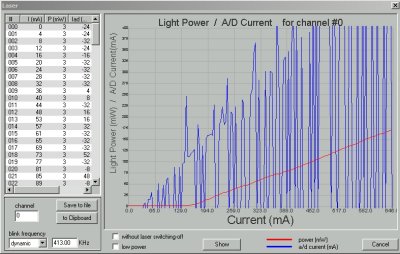
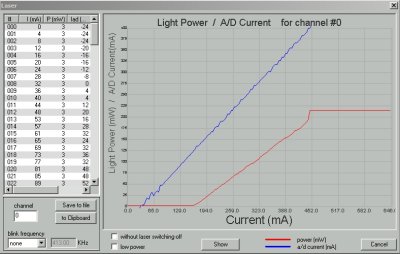
A faulty LDA driver caused an inconsistent power flow to the diodes. |
||
|
|
|||
Solution |
|
||
|
|
|||
See also |
|||
|
|
|||
Technical contact(s) |
|||
Submitted by |
|||
Date submitted |
18 Jan 2006 |
||