Home | Contact Us | Submit Troubleshooting Info | Search | Help
Output | Software Solutions | Proofing | Color, Screening and Calibration | Scanning | Digital Photography | Consumables | POS
Home | Contact Us | Submit Troubleshooting Info | Search | Help
Output | Software Solutions | Proofing | Color, Screening and Calibration | Scanning | Digital Photography | Consumables | POS
Product |
Kodak® Magnus™ 800 platesetter S300 |
||
Operating system |
Kodak Magnus 800 Controller controlled release 1.05.405.101 |
||
Machines affected |
Diagnostic software on Magnus 800 platesetter S300, running Magnus 800 Controller software, controlled release 1.05.405.101 |
||
Component |
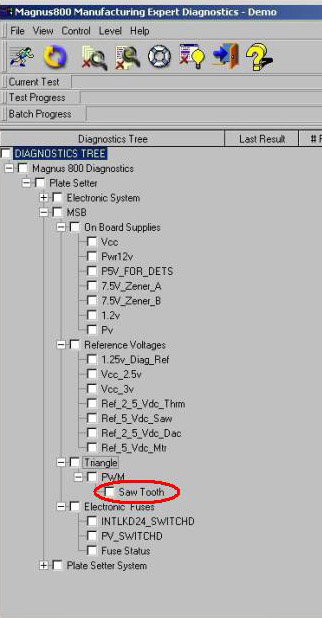
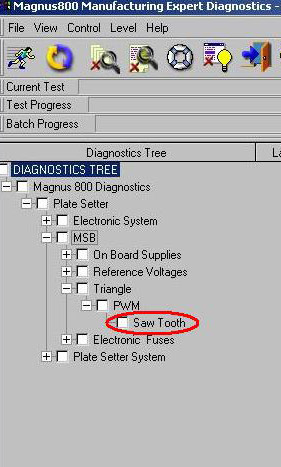
Saw tooth test of the diagnostic software. |
||
Symptoms |
Diagnostic software fails at the saw tooth test, which is part of the
MSB test. |
||
Cause |
Software issue. |
||
Solution |
Ignore the saw tooth test.
|
||
Technical contact(s) |
|||
Submitted by |
|||
Date submitted |
20 May 2007 |
||