Home | Contact Us | Submit Troubleshooting Info | Search | Help
Output | Software Solutions | Proofing | Color, Screening and Calibration | Scanning | Digital Photography | Consumables | POS
Home | Contact Us | Submit Troubleshooting Info | Search | Help
Output | Software Solutions | Proofing | Color, Screening and Calibration | Scanning | Digital Photography | Consumables | POS
Commands | Description | Parts | Photos | Procedures
The flash cover provides primary access to the drum for loading/unloading operations. The operator also moves the flash cover to communicate commands to the machine.
Sliding the flash cover away from the operator (over the drum) shields the user from laser emissions and mechanical hazards during imaging. Moving the flashcover towards the operator exposes the drum surface for loading/unloading and inspection.
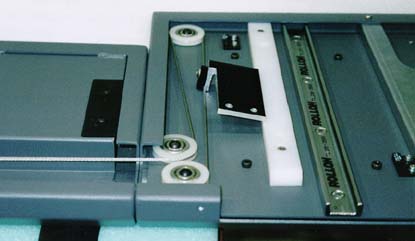
Linear motion is achieved using rollers and guides located beneath the flashcover on either side of the drum. An integral lock mechanism is engaged during imaging. A cable system is used to prevent the flashcover from skewing and binding.
Mounted to the front crossbrace member, above the drum.
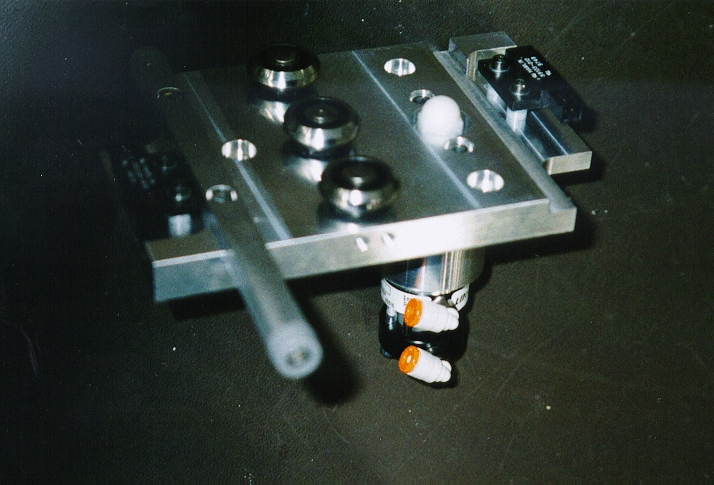
Roller bearing and
lock cylinder assembly
Flash cover cable system
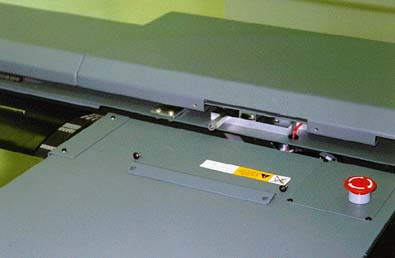
Flash cover track cover plate
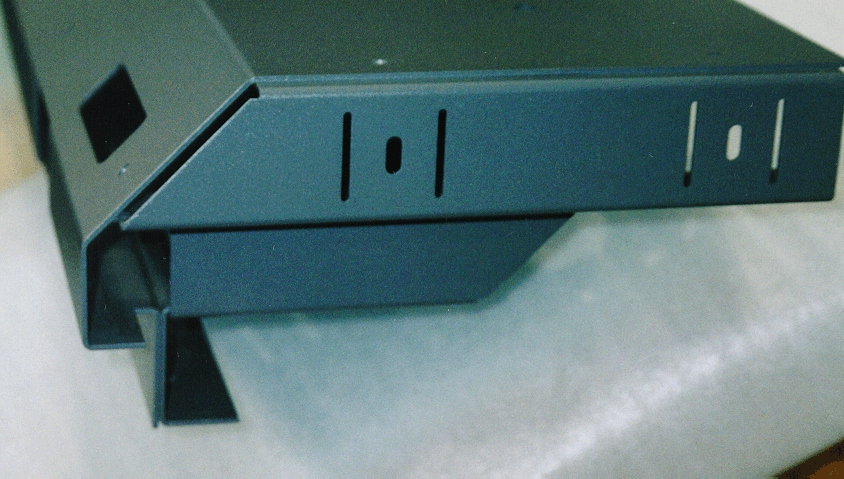
Crossmember adjustment features
Flash Cover Removal and Installation
Flash Cover Position Sensor Adjustment
Aligning Bearing Mounting Plates
Adjusting the Flash Cover Roller Bearings
Servicing the Flash Cover Lock Cylinder Assembly
Servicing the Flash Cover Detent Components
Servicing the Flash Cover Cable System