Home | Contact Us | Submit Troubleshooting Info | Search | Help
Output | Software Solutions | Proofing | Color, Screening and Calibration | Scanning | Digital Photography | Consumables | POS
Home | Contact Us | Submit Troubleshooting Info | Search | Help
Output | Software Solutions | Proofing | Color, Screening and Calibration | Scanning | Digital Photography | Consumables | POS
Description | Part Number | Commands | NVS Parameters
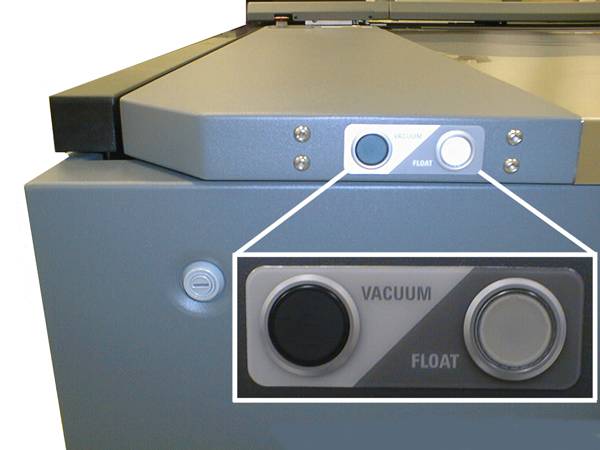
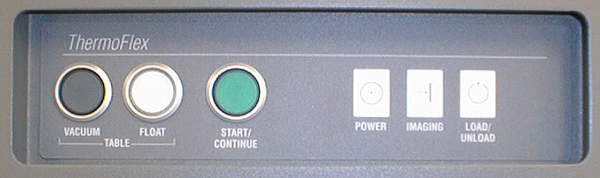
The Operator Interface Panel is located on the front right of the ThermoFlex. It includes operator buttons and status lights:
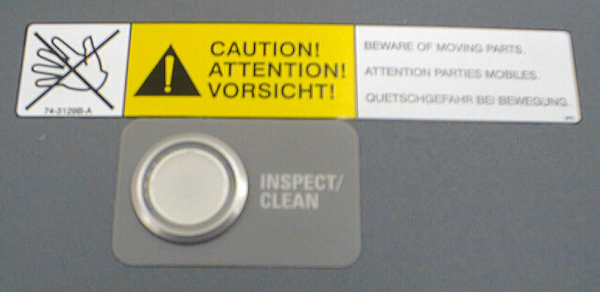
A white Inspect/Clean button on the top right side is used to check media and drum for debris.(photo)
10-13776A
To activate or deactivate lights on operator panel: