Home | Contact Us | Submit Troubleshooting Info | Search | Help
Output | Software Solutions | Proofing | Color, Screening and Calibration | Scanning | Digital Photography | Consumables | POS
Home | Contact Us | Submit Troubleshooting Info | Search | Help
Output | Software Solutions | Proofing | Color, Screening and Calibration | Scanning | Digital Photography | Consumables | POS
| Applies to |
|
|---|
| Component |
|
|---|
| Problem | Error message #15306:Unload carriage not in safe position to rotate cups |
|---|
| Cause1 | Plates occasionally get stuck in the leading edge clamps during unload, causing the unload carriage to stall when trying to pull the plate out of the clamps. |
|---|
| Solution1 | Change the al duoff (drum unload offset) parameter to open the LECs wider during unload. See procedure. |
|---|
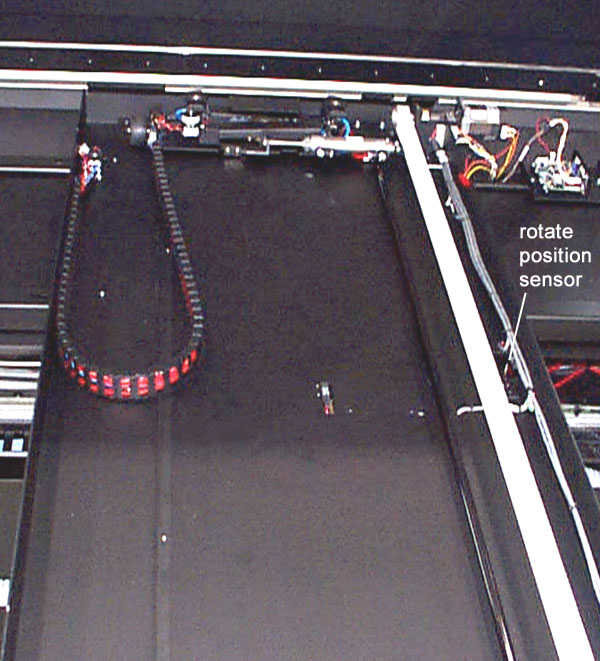
| Cause2 | Rotate position sensor not working. |
|---|
| Solution2 |
|
|---|
| See also | Error message 15306. |
|---|---|
| Technical contact | smontague@creo.com |
| Date submitted | April 17, 2000 |
|---|
| Date modified |
|---|