Home | Contact Us | Submit Troubleshooting Info | Search | Help
Output | Software Solutions | Proofing | Color, Screening and Calibration | Scanning | Digital Photography | Consumables | POS
Home | Contact Us | Submit Troubleshooting Info | Search | Help
Output | Software Solutions | Proofing | Color, Screening and Calibration | Scanning | Digital Photography | Consumables | POS
Product |
Trendsetter VLF Autoloader |
|||
Machines affected |
all |
|||
Component |
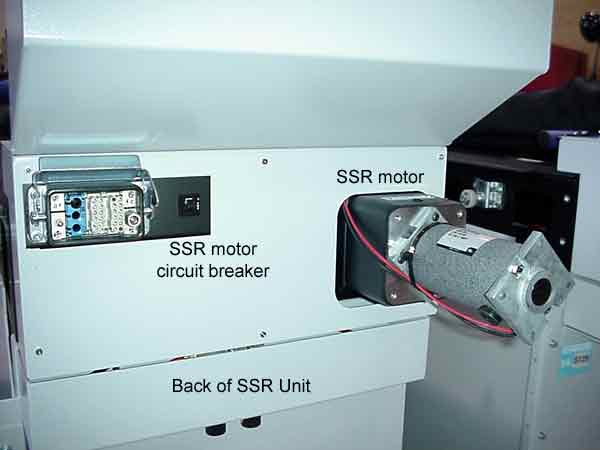
SSR |
|||
Symptoms |
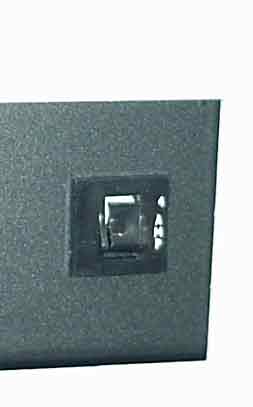
No power is getting to the motor for the slipsheet rollers. |
|||
Cause |
|
|||
Solution |
|
|||
Technical contact(s) |
||||
Submitted by |
||||
Date submitted |
02 Jul 2002 |
|||