

Home | Contact Us | Submit Troubleshooting Info | Search | Help
Output | Software Solutions | Proofing | Color, Screening and Calibration | Scanning | Digital Photography | Consumables | POS
Home | Contact Us | Submit Troubleshooting Info | Search | Help
Output | Software Solutions | Proofing | Color, Screening and Calibration | Scanning | Digital Photography | Consumables | POS
Product |
|
||
Platform |
Dell® GX270, GX280 workstations |
||
Operating system |
Microsoft® Windows® 2000 Server |
||
Symptoms |
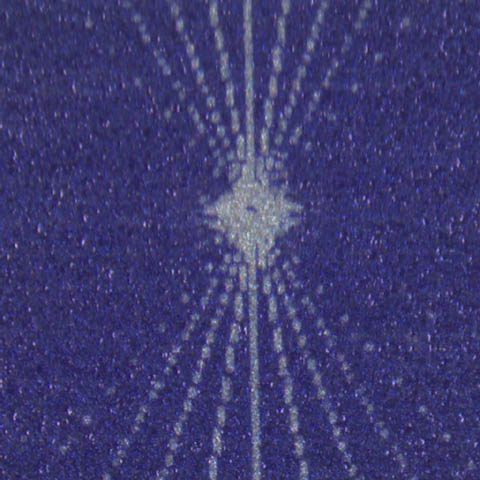
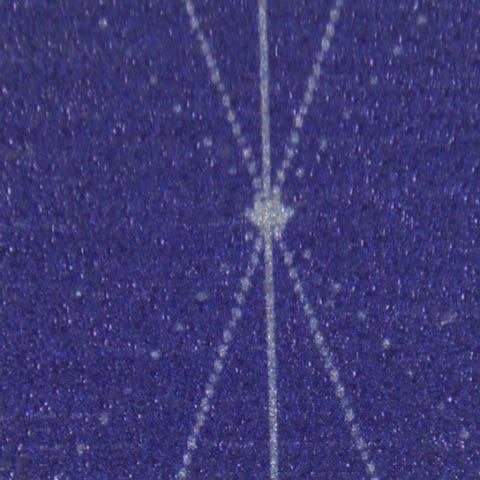
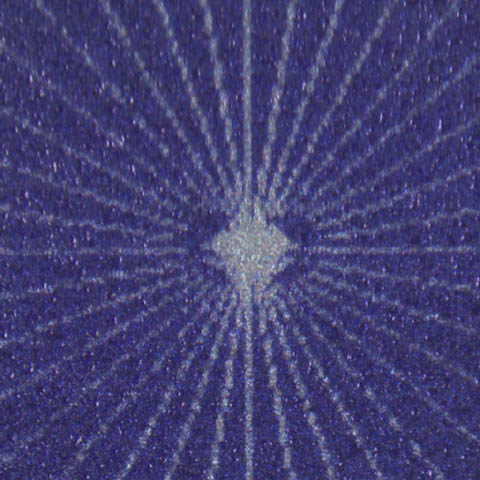
When exposing offset plates from ThermoFlex TIFF FE software on a ThermoFlex
Narrow Hybrid platesetter or a ThermoFlex Mid/Mid II Hybrid platesetter,
the exposed image quality is unsatisfactory, as shown in the following
examples. Two poor quality images:
A satisfactory quality image:
|
||
Cause |
The ThermoFlex TIFF FE software was not updated with the offset plate parameters. Therefore, poor image quality was obtained. |
||
Solution |
|
||
Technical contact(s) |
|||
Submitted by |
|||
Date submitted |
29 Jan 2007 |
||
 and then click Yes when the prompt:
 .
The ThermoFlex TIFF FE software is now updated with the offset plate
parameters.