Home | Contact Us | Submit Troubleshooting Info | Search | Help
Output | Software Solutions | Proofing | Color, Screening and Calibration | Scanning | Digital Photography | Consumables | POS
Home | Contact Us | Submit Troubleshooting Info | Search | Help
Output | Software Solutions | Proofing | Color, Screening and Calibration | Scanning | Digital Photography | Consumables | POS
Product |
|
||
Component |
Carriage ball nut setscrews |
||
Symptoms |
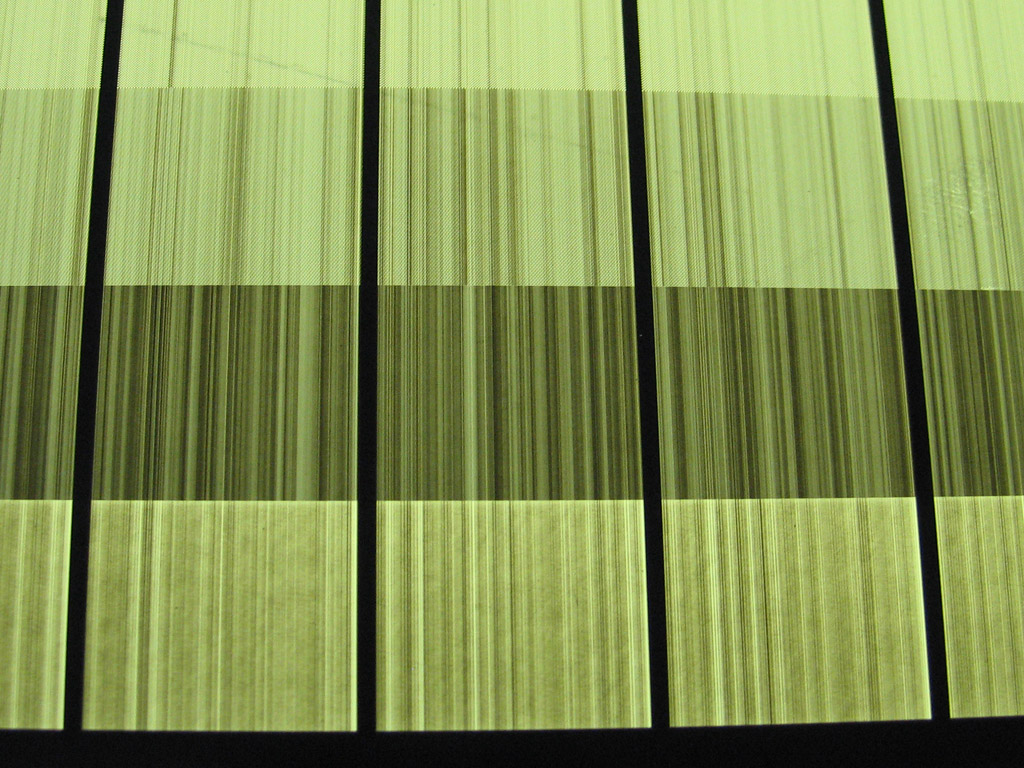
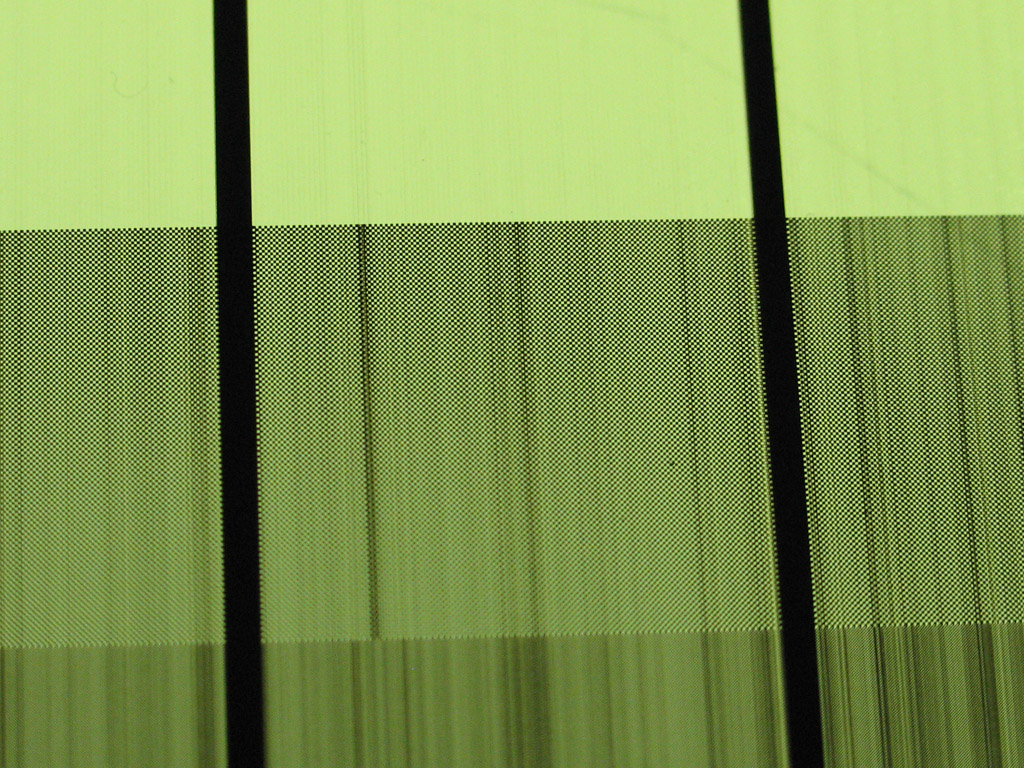
In this example, the calibration strips were set to be 15 mm in the subscan direction, but they vary from 14-17 mm.
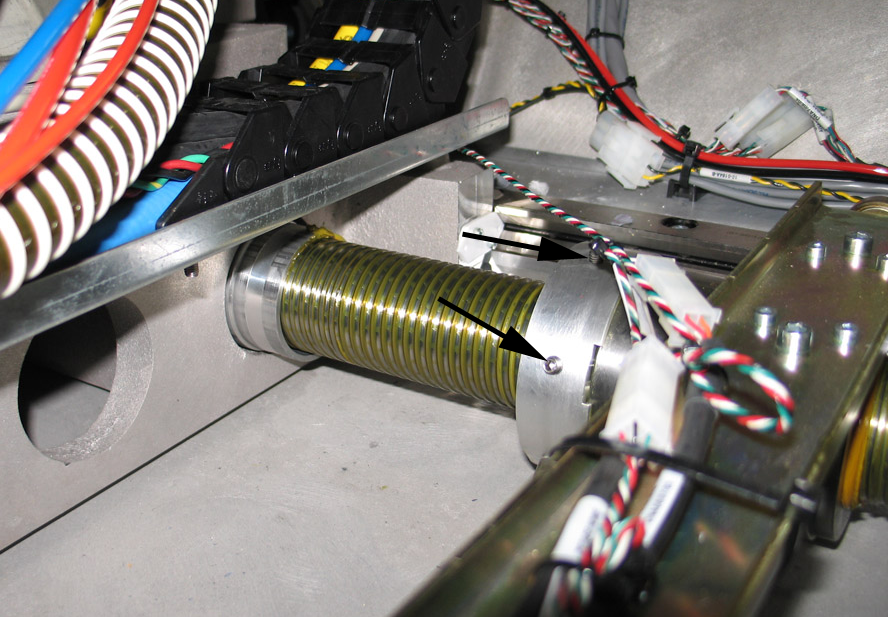
This example shows a ThermoFlex platesetter ball nut. All three setscrews are loose (only two are visible in this photo).
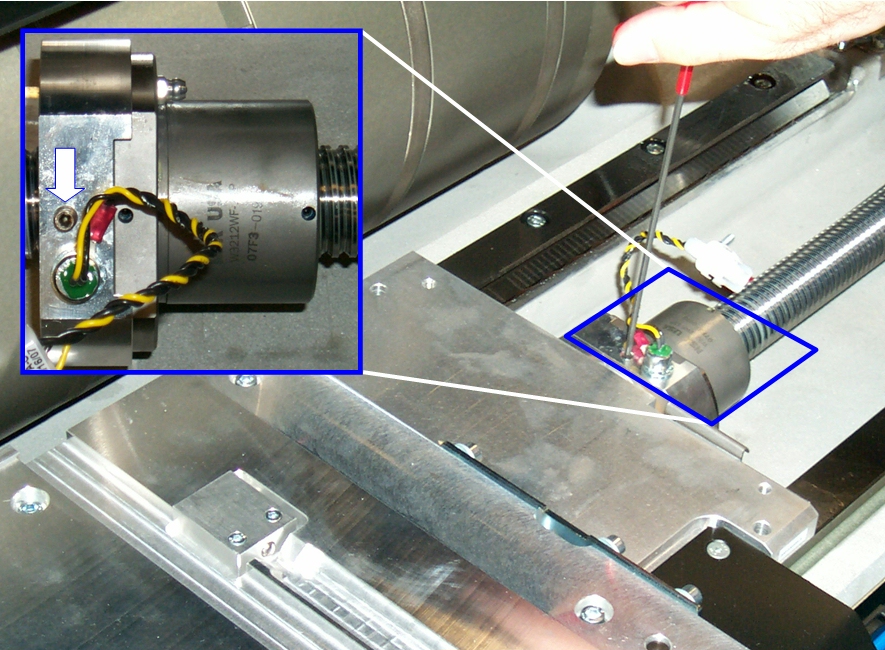
This example shows a Trendsetter platesetter ball nut setscrew. |
||
Cause |
The ball nut setscrews were not properly tightened and over time work loose. As a result the ball nut comes away from the flex tube on the carriage. |
||
Solution |
|
||
Technical contact(s) |
PSS for the device |
||
Submitted by |
|||
Date submitted |
15 May 2007 |
||