|
Product |
|
MCE-based devices
(Lotem family, Trendsetter family, Magnus VLF Series I) |
|
Error |
|
You may see the following error. Note that this problem may not generate an error message.
38150 MPC: Image data sent to the head was possibly corrupted
|
|
Symptoms |
|
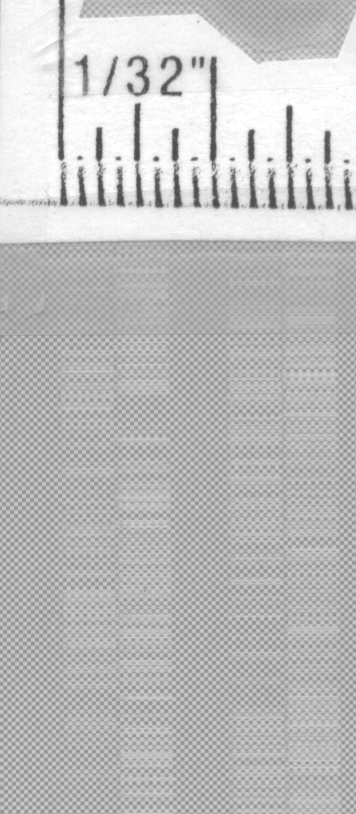
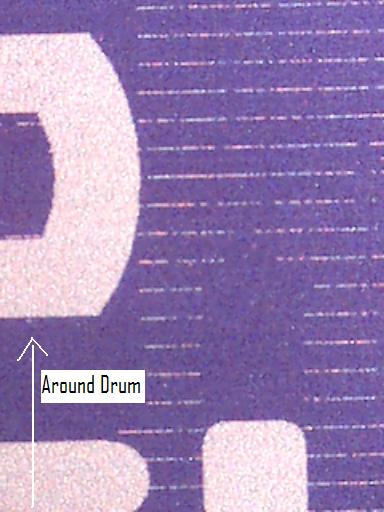
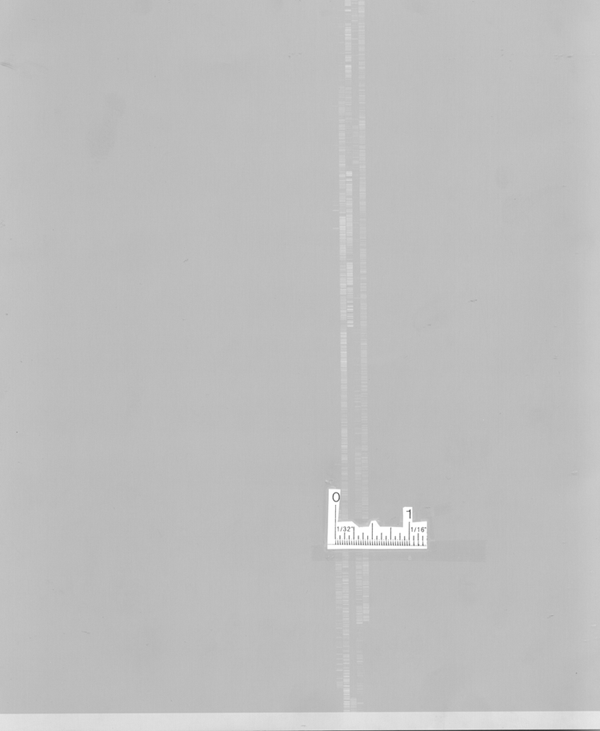
Random image corruption (missing image, scrambled image, misplaced image, and so on). This occurs intermittently, and may be accompanied by error 38150.
Possible artifacts:
 Detail 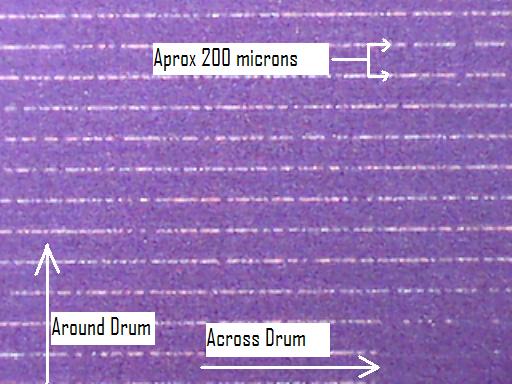 Detail
|
|
Cause |
|
The data from the workflow may be corrupted due to a problem with the data path.
|
|
Solution |
|
Diagnosing the problem
MCE with Print Console
- Send the same file (using the same setup) multiple times until you have a plate with artifacts and a plate without artifacts.
Note: If you don't send the same file every time, this test will be meaningless.
- Open the Print Console log (or Servce Shell) and note the Input Raster CRC value for the two plates.
- Compare the Input Raster CRC values for the good and bad plates.
Tip: Any controlled release that contains Print Console version 3.10 or later validates image data between the workstation and the device if the registry key HKLM\Software\Creo\PrintConsole\V2.0\SCSIConfig\PerformCRC16Check is set to 1.
MCE with CS Xpose
- Open Service Shell.
- Send the same file multiple times until you have a plate with artifacts and a plate without artifacts.
Note: If you don't send the same file every time, this test will be meaningless.
- View the output of the plates in Service Shell and compare the values for Input Raster CRC for the good and bad plates.
Interpreting the results
- If the values are different, the data is being corrupted along the SCSI cable. Make sure the cable and SCSI card are properly seated. If necessary, replace first the cable, then the SCSI card and lastly the MCE.
- If the values are the same, and you're getting error 38150, there is a problem with the hotlink cable. Make sure the cable is properly connected. If necessary, replace the cable.
- If the values are the same and you're not getting error 38150, you must check the workflow higher upstream. There is no problem with Print Console, CS Xpose, the MCE, the hotlink cable or the thermal head.
|
|
See also |
|
Sample MCE readout:
< MCE> C MPC: Hotlink CRC value = 8AFD

			< MCE> C MPC: Corner Turn CRC value = E2BD

			< MCE> C MPC: SDRAM CRC value = 571D

			< MCE> C MPC: Input Buffer CRC value = 1959

			< MCE> C MPC: Input Raster CRC value = 91E4
|
|
Technical contact(s) |
|
Kyle Good
|
Submitted by |
|
Doug Jeffery
|
Date submitted |
|
22 Jun 2006 |