Home | Contact Us | Submit Troubleshooting Info | Search | Help
Output | Software Solutions | Proofing | Color, Screening and Calibration | Scanning | Digital Photography | Consumables | POS
Home | Contact Us | Submit Troubleshooting Info | Search | Help
Output | Software Solutions | Proofing | Color, Screening and Calibration | Scanning | Digital Photography | Consumables | POS
Applies to |
Patch downloads using Fetch on a Mac client |
||||
Error String |
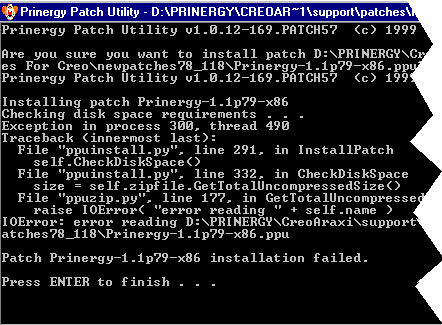
You may get an error message like this:
|
||||
Causes and Workarounds |
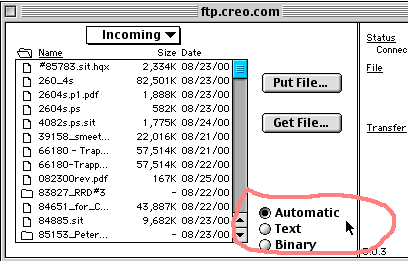
This error was happening when a customer site downloaded patches from ftp.creo.com using Fetch from a Mac client. By default the “mode” is set to “Automatic”. This was the cause of the error.
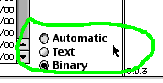
Before re-downloading the patch(es), change a setting in Fetch: change the radio button to BINARY before downloading.
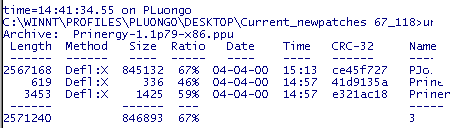
This will solve the problem. To ensure that the download was successful, try to unzip a file using the command prompt:
|
||||
Technical Contact(s) |
|||||
Date Submitted |
25 Aug 2000 |
||||