

Home | Contact Us | Submit Troubleshooting Info | Search | Help
Output | Software Solutions | Proofing | Color, Screening and Calibration | Scanning | Digital Photography | Consumables | POS
Home | Contact Us | Submit Troubleshooting Info | Search | Help
Output | Software Solutions | Proofing | Color, Screening and Calibration | Scanning | Digital Photography | Consumables | POS
In order to download new software into the Linkswitch/Superstack II 1000 switch a TFTP server is required. The Macintosh can emulate a TFTP server with TFTPd application.
Verify that the S/W file (file name LS1K3_10.SLX) is located in the TFTPd folder located in the Preferences folder. Launch the TFTPd application.
Connect a serial connection to the back of the SuperStack 1000 switch and launch a terminal emulation program like Zterm (N,8,1).
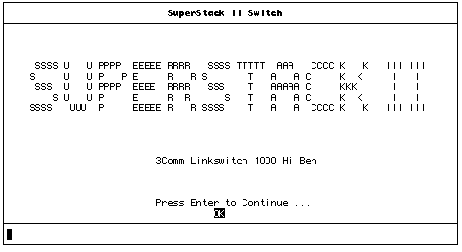
Press enter to continue <CR>
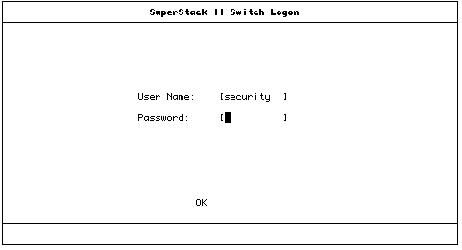
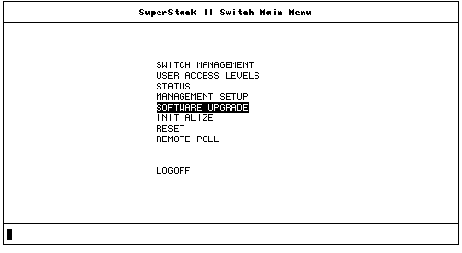
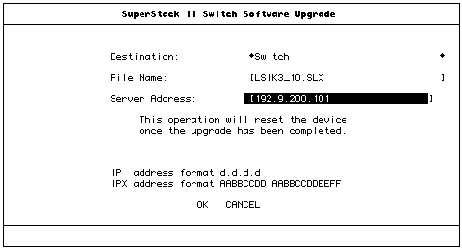
front panel will illuminate. Upgrade State in center of Screen will first display “Load Pending” and then “Load active”, all of the Leds on the switches