Home | Contact Us | Submit Troubleshooting Info | Search | Help
Output | Software Solutions | Proofing | Color, Screening and Calibration | Scanning | Digital Photography | Consumables | POS
Home | Contact Us | Submit Troubleshooting Info | Search | Help
Output | Software Solutions | Proofing | Color, Screening and Calibration | Scanning | Digital Photography | Consumables | POS
|
|
|||
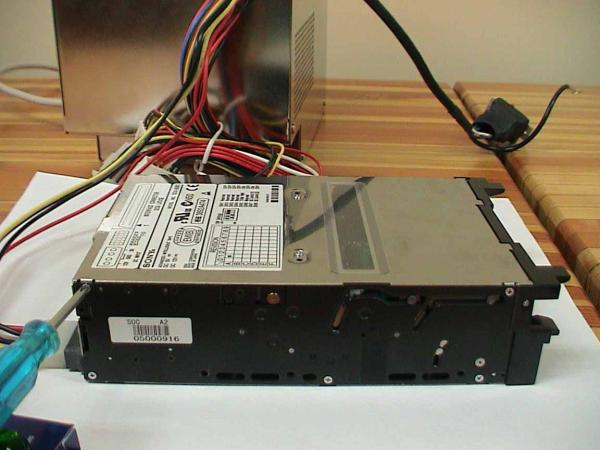
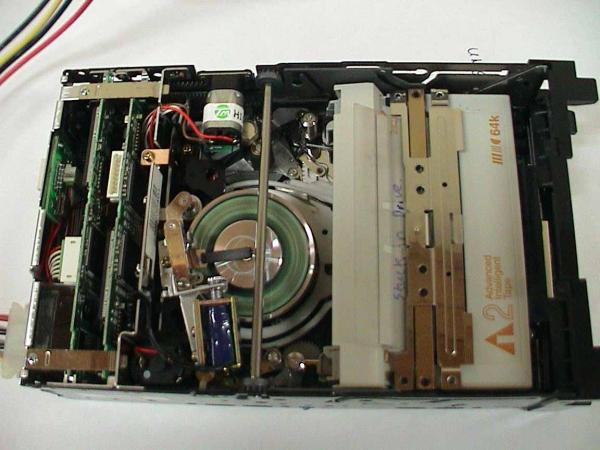
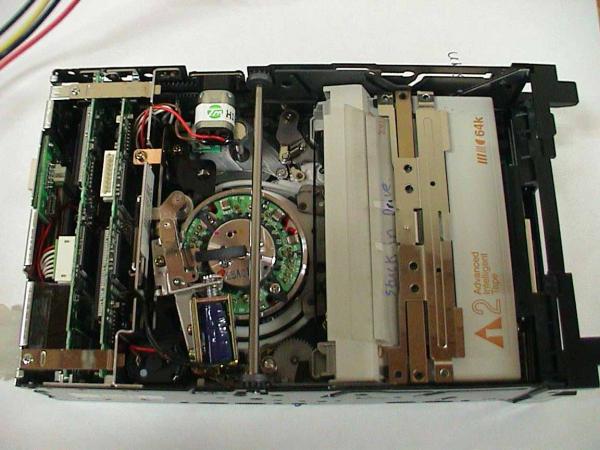
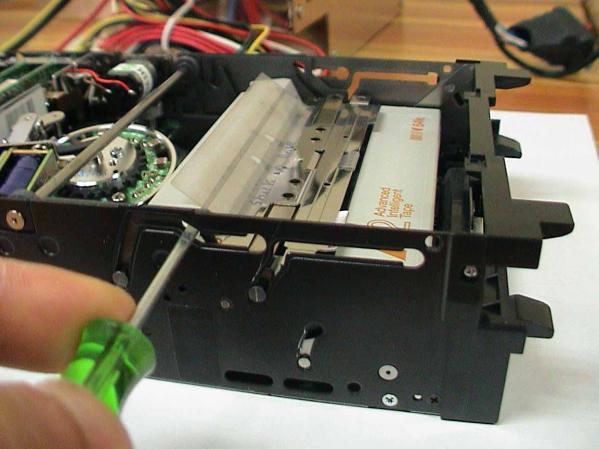
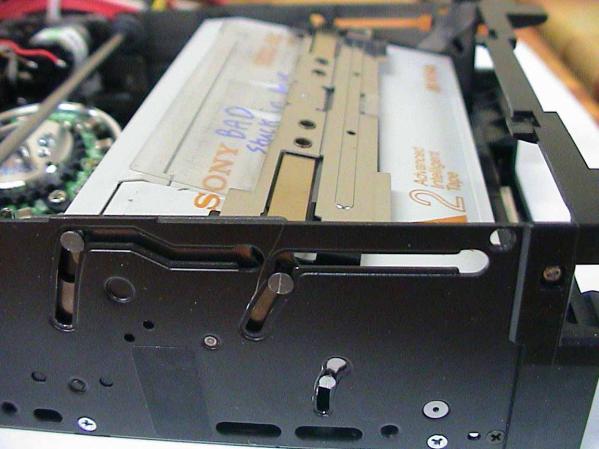
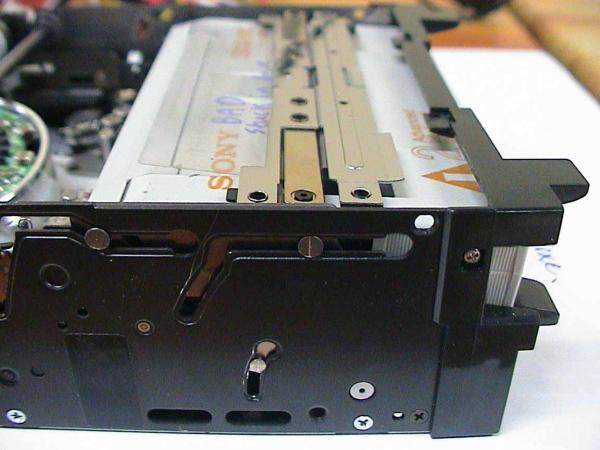
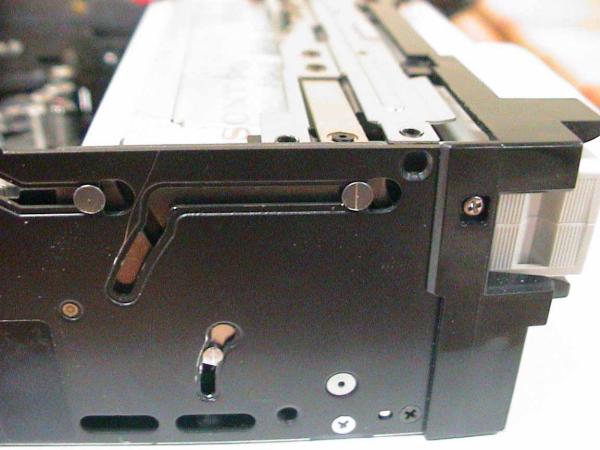
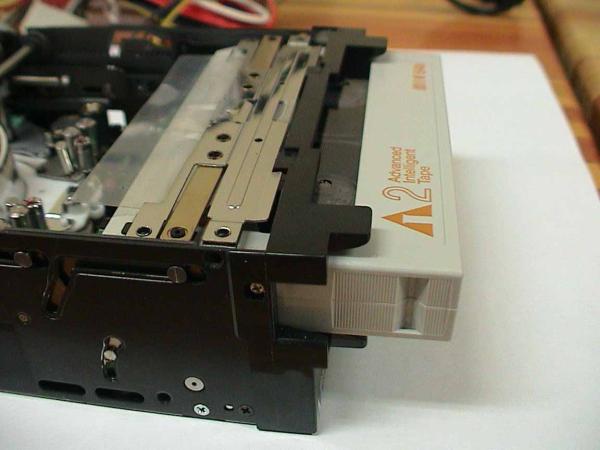
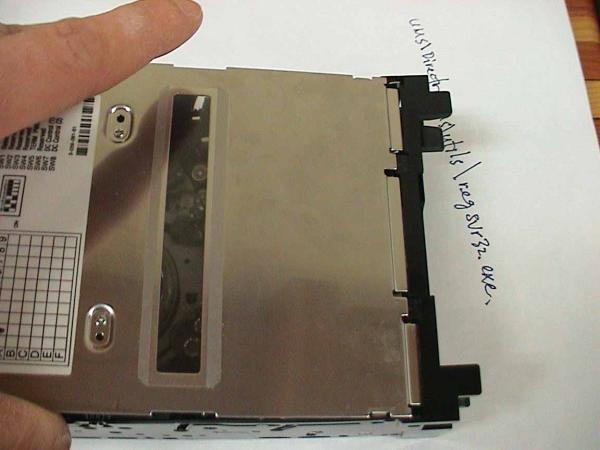
Description | This procedure describes how to remove an AIT-2 tape that has become stuck in the tape drive. | ||
|
|
|||
Product | Prinergy | ||
|
|
|||
Symptoms | An AIT-2 tape is stuck in the drive. | ||
|
|
|||
Cause | Unknown | ||
|
|
|||
Solution |
|
||
|
|
|||
Technical Contact(s) | |||
|
|
|||
Submitted by | |||
|
|
|||
Date Submitted |
18 Jun 2002 |
||