Solution
| |
If the robotic system fails, you can use the Brisque Serve Backup Operator Manager to deposit or withdraw a jukebox cassette.
How to Use the Backup Operator Manager to Deposit or Withdraw a Qualstar Jukebox Cassette
Note: The Backup Operator Manager must be installed and configured before you perform this procedure.
Configuring the Jukebox
Before using the Backup Operator Manager (BOM) to deposit or withdraw a cassette, you must configure the jukebox. Use the operator panel to configure the jukebox as follows:
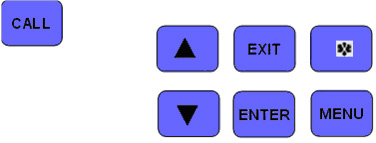
- Press the Menu button.
- Select Configuration and press ENTER.
- Select Advance and press ENTER.
- Select Changer and press ENTER.
- Select I/O Port and press ENTER.
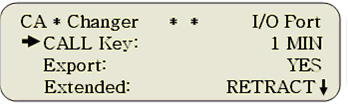
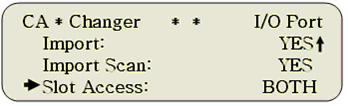
- Scroll up and down, using the arrow keys, and apply the following settings:
- When all settings have been applied, press EXIT to accept the changes.
To Deposit a Cassette
- In the Brisque Serve Conductor menu, select Cloning.
The Backup Operator Manager window appears.
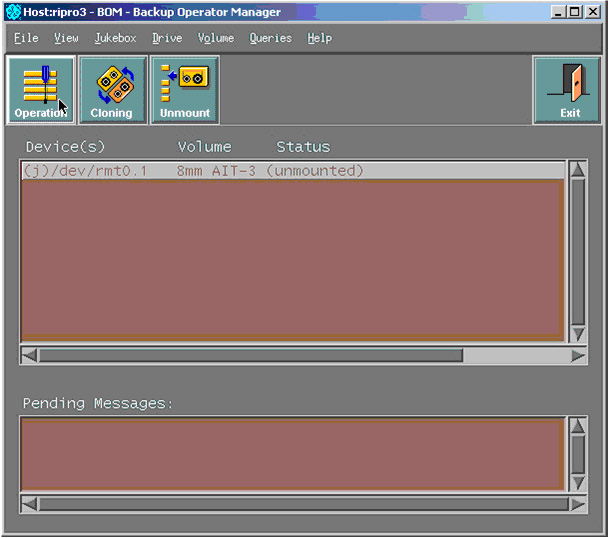
- Click Operation to open the Jukebox Operation window.
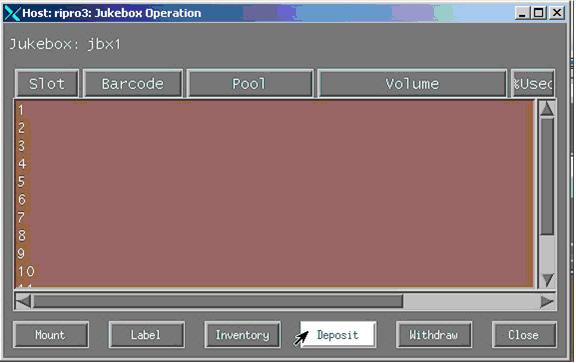
- Click Deposit to open the Deposit Volume dialog box.
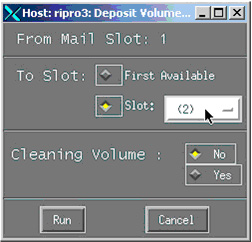
- Select the slot where you want to deposit the new cassette.
- On the jukebox operator panel, press CALL.
- Insert the cassette you want to deposit, then, in the Deposit Volume dialog box, click Run.
Do not click Run unless you have first deposited the cassette.
The jukebox controller will deposit the cassette into a temporary slot, scan the bar-code, then deposit
the cassette in the slot selected in step 4.
To Withdraw a Cassette
- In the Brisque Serve Conductor menu, select Cloning.
The Backup Operator Manager window appears.
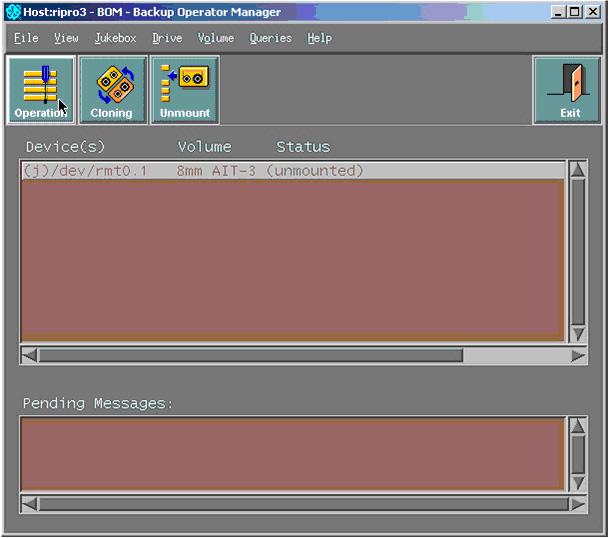
- Click Operation to open the Jukebox Operation window.
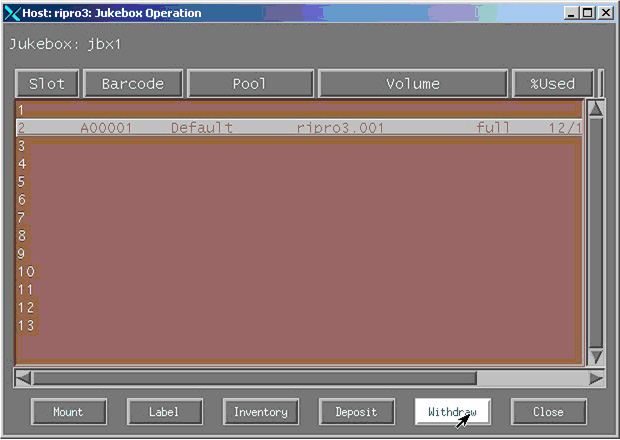
- Select the cassette you want to withdraw and click Withdraw.
The Withdraw Volume dialog box appears.
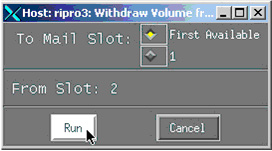
- Select the Mail Slot you want to use (some jukeboxes may have more than one Mail Slot).
- Click Run.
The cassette will be automatically placed in the Mail Slot.
- On the jukebox operator panel, press CALL.
The cassette will be automatically be withdrawn.
|