Home | Contact Us | Submit Troubleshooting Info | Search | Help
Output | Software Solutions | Proofing | Color, Screening and Calibration | Scanning | Digital Photography | Consumables | POS
Home | Contact Us | Submit Troubleshooting Info | Search | Help
Output | Software Solutions | Proofing | Color, Screening and Calibration | Scanning | Digital Photography | Consumables | POS
Product |
Brisque® 5 | ||
Platform |
|
||
Operating system |
|
||
Symptoms |
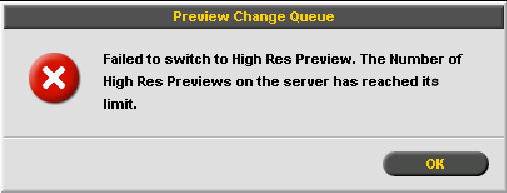
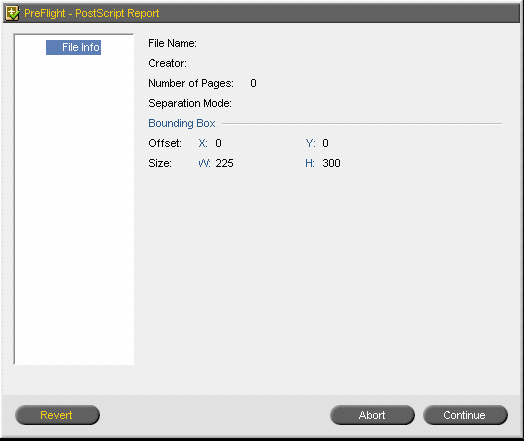
When the customer site does not have Domain Name Service (DNS), and the customer connects to the Brisque client (Macintosh or Windows) via an IP address rather than the Hostname, the following problem occurs:
|
||
Solution |
Add the Brisque hostname and IP address to Brisque clients. For Macintosh: For Windows:
|
||
Technical contact(s) |
|||
Submitted by |
|||
Date submitted |
29 Dec 2003 |
||