Home | Contact Us | Submit Troubleshooting Info | Search | Help
Output | Software Solutions | Proofing | Color, Screening and Calibration | Scanning | Digital Photography | Consumables | POS
Home | Contact Us | Submit Troubleshooting Info | Search | Help
Output | Software Solutions | Proofing | Color, Screening and Calibration | Scanning | Digital Photography | Consumables | POS
Product |
Brisque® 5.x |
||
Platform |
All Brisque platforms |
||
Operating system |
IBM® AIX® 5.2 |
||
Error |
|
||
Symptoms |
The RIP process fails when a PDF file is RIPed using Advanced Color Handling. An empty job is created with an error message appears. |
||
Cause |
On the Macintosh®, the ICC profile was copied to the Brisque shared item. |
||
Solution |
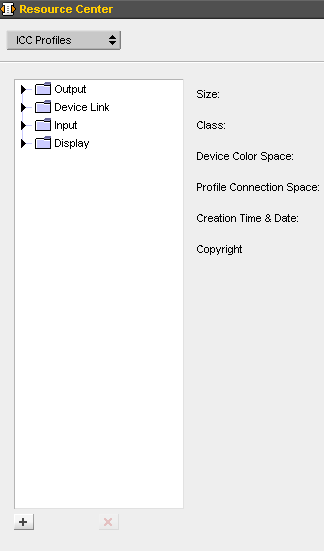
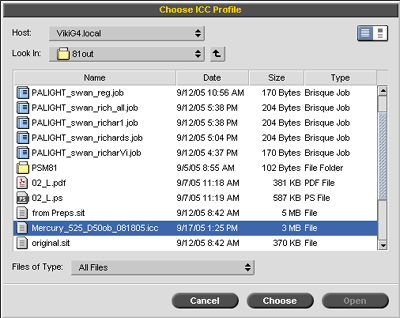
To correctly attach the ICC profile, import it via the Brisque client:
 |
||
Technical contact(s) |
|||
Submitted by |
|||
Date submitted |
19 Sep 2005 |
||