Home | Contact Us | Submit Troubleshooting Info | Search | Help
Output | Software Solutions | Proofing | Color, Screening and Calibration | Scanning | Digital Photography | Consumables | POS
Home | Contact Us | Submit Troubleshooting Info | Search | Help
Output | Software Solutions | Proofing | Color, Screening and Calibration | Scanning | Digital Photography | Consumables | POS
|
|
|||
Product |
|
||
Platform |
|
||
Operating system |
|
||
|
|
|||
Symptoms |
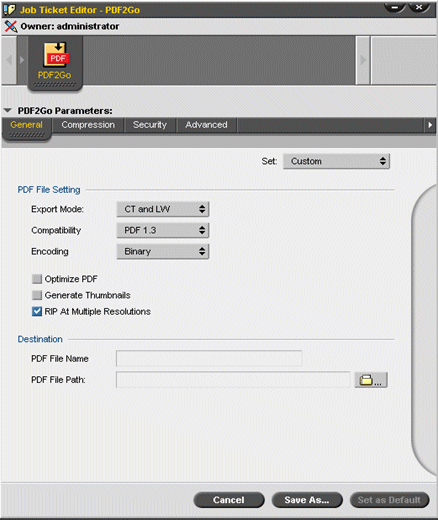
When a PDF2Go output file is RIPed, the resulting Brisque job is displayed with lines. |
||
|
|
|||
Cause |
There are 2 possible causes to this problem:
|
||
|
|
|||
Solution |
In Brisque 4.1 and all PS/M versions: In Brisque 5.x:
|
||
|
|
|||
Technical contact(s) |
|||
Submitted by |
Viki Bar-on | ||
Date submitted |
23 June 2004 |
||