Home | Contact Us | Submit Troubleshooting Info | Search | Help
Output | Software Solutions | Proofing | Color, Screening and Calibration | Scanning | Digital Photography | Consumables | POS
Home | Contact Us | Submit Troubleshooting Info | Search | Help
Output | Software Solutions | Proofing | Color, Screening and Calibration | Scanning | Digital Photography | Consumables | POS
|
|
|||
Product |
|
||
|
|
|||
Background |
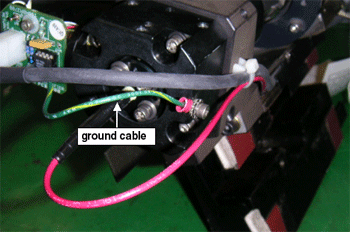
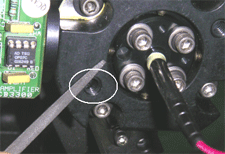
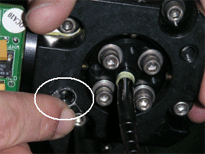
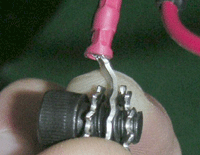
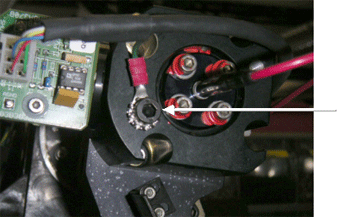
The connection of the dynamic cable has changed. This procedure describes how to replace the ground cable when you replace the cable chain. |
||
|
|
|||
Requirements |
|
||
|
|
|||
Procedure |
Before performing this procedure, you must remove the dynamic optic assembly from the imagesetter.
|
||
|
|
|||
Technical contact(s) |
Content owner: Oded Zaccai |
||
Date submitted |
15 Dec 2003 |
||