Procedure
|
|
Before you begin
- Verify that the motor interlock is disconnected (no cheater in the
motor interlock).
- On the right and left sides of the drum, manually drag the balance
weights to the mechanical stoppers. The location of the weights on the
ruler should be 226° and 296°, relative to the center of the
weights.
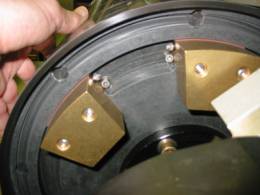
Lotem
weights
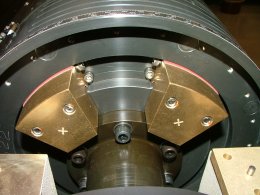
Magnus
weights
- Insert the cheater to reconnect the motor interlock.
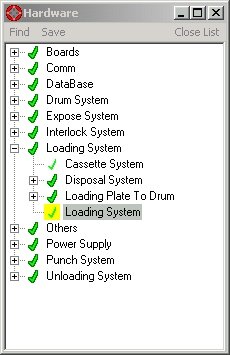
- In the Lotem or Magnus Controller software, on the Operations toolbar,
select Utilities > Hardware and double-click Loading System
to open the Loading System dialog box.
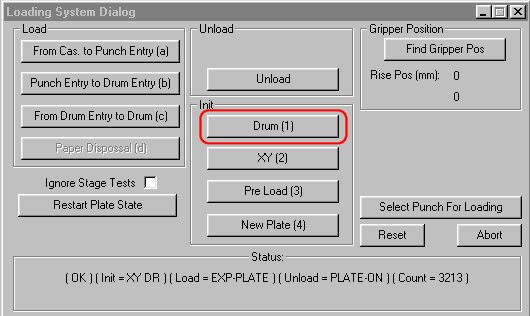
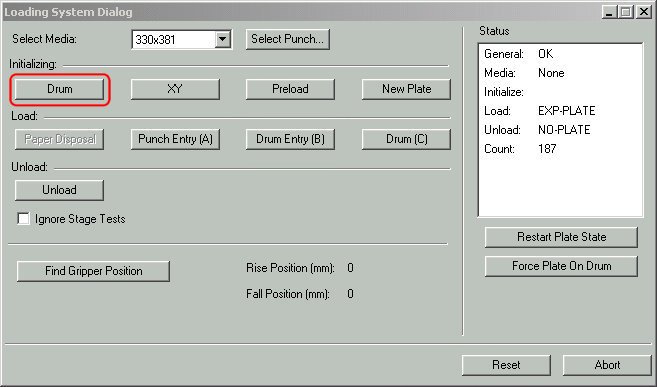
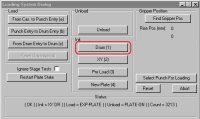
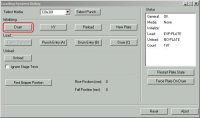
- In the Loading System Dialog box, in the Init area, click Drum
and wait for the action to complete.
 |
Lotem platesetters
|
Magnus platesetters
|
This procedure includes instructions for:
Opening dialog boxes
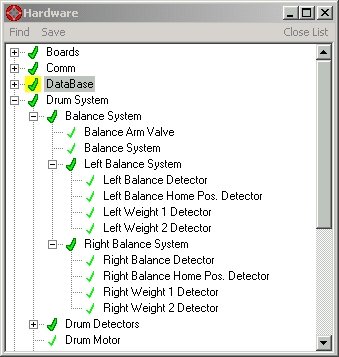
- In the hardware tree, expand Drum System and
double-click Drum Motor.
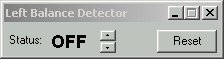
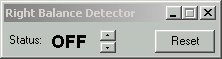
- Locate Drum System\Balance System\Balance System and open the
following dialog boxes:
|
|
 |
|
|
 |
- Left Balance Home Pos Detector
|
 |
|
|
 |
|
|
 |
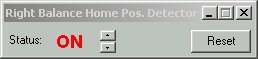
- Right Balance Home Pos Detector
|
 |
|
|
 |
Finding the weight detector position
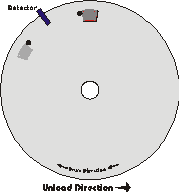
- Manually rotate the drum to center the optical balance detector between
the two mechanical stoppers and:
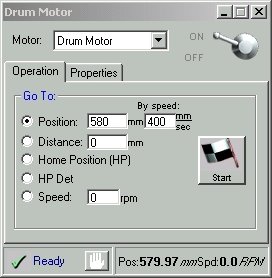
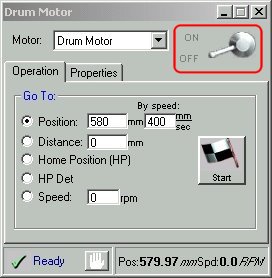
- For a Lotem platesetter, in the Drum Motor dialog box, in the
Position box, type
730 and click Start.
- For a Magnus platesetter, in the Drum Motor dialog box, in the
Position box, type
770 and click Start.
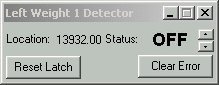
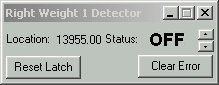
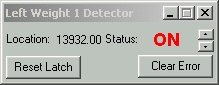
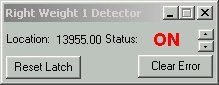
- In the Left and Right Weight 1 Detector dialog boxes, click Reset
Latch and verify that the Status for both the left and right weights
changes to OFF.
- Release the drum power. In the Drum Motor dialog box, while holding
the drum stationary with your hand, click the OFF button, and
the allow the drum to rotate in the unloading direction so that the
left and right 1 weights pass the detector.
- When the left and right 1 weights pass the detector, the position
is automatically registered in the Lotem or Magnus Controller software.
The position appears as the Location value in the Left and Right
Weight 1 Detector dialog boxes, as shown in step 2.
Write down these numbers.
- Repeat steps 1 to 4 three times and each time write down the location
values.
- Calculate the average value obtained for each side,
and then calculate the average value of both sides together.
Finding the weight actuator position
- In the Drum Motor dialog box, in the Position box:
- For a Lotem platesetter, type
580 and click Start
to rotate the drum.
- For a Mangus platesetter, type and
618 and click
Start
to rotate the drum.
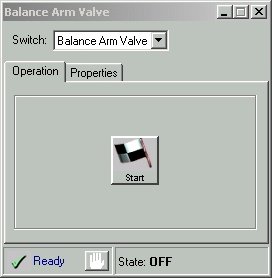
- In the Balance Arm Valve dialog box, click Start to activate
the balance arm valve.
Note: The Lotem/Magnus 400 balance arm valve activates both the
left and the right weight actuators.
- Release the drum power by clicking OFF in the Drum Motor dialog
box.
- Manually rotate the drum until both the left and right number 1 weights
touch both weight actuator pins.
- Write down the Position value that appears at the bottom-right
in the Drum Motor dialog box.

- In the Balance Arm Valve dialog box, click Stop to release
the weight actuators.
- Verify that the Left and Right Balance Home Pos. Detectors are working
properly.
- Close all the dialog boxes that are open, except for the hardware
tree.
Updating the registry
- In the hardware tree, locate Drum System/Balance System and
right-click Balance System.
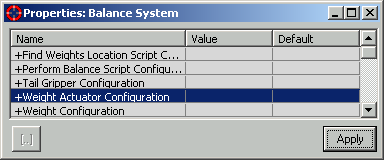
- In the Properties: Balance System dialog box, double-click Weight
Actuator Configuration.
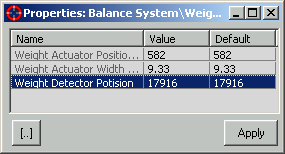
- In the Properties: Balance System\Weight Actuator Configuration dialog
box, next to Weight Detector Position, in the Value column,
type the average value that you calculated above in Finding
the weight detector position and click Apply.
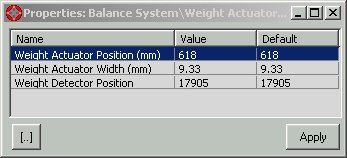
- In the Properties: Balance System\Weight Actuator Configuration dialog
box, next to Weight Actuator Position (mm), in the Value
column, type the position value that you wrote down in Finding
the weight actuator position and click Apply.
|
Test
|
|
- Restore the drum power.
- Verify that the motor interlock (cheater) is connected.
- In the Drum Motor dialog box, click the ON button.
- In the Lotem or Magnus Controller software, update the plate size
and thickness, which you should know from the location of the balance
weights.
- In the hardware tree, locate Drum System\Balance System and
double-click Balance System.
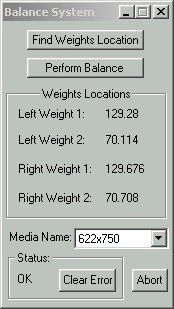
- In the Balance System dialog box, click Perform Balance. The
platesetter adjusts the weights for the selected plate size and thickness.
Note: For Lotem platesetters, see
the plate size/weight location
table.
- Disconnect the motor interlock and verify that the location of the
weights matches the position in the Balance System dialog box.
- Repeat steps 2 to 5 for different plate sizes and thicknesses.
- In the Weights Locations area, verify that the difference between
the values for the left and right weights 1 and the left and right weights
2 is not more than 2 mm. If the difference for either of the weights
is more than 2 mm, you must repeat the
calibration process.
|