

Home | Contact Us | Submit Troubleshooting Info | Search | Help
Output | Software Solutions | Proofing | Color, Screening and Calibration | Scanning | Digital Photography | Consumables | POS
Home | Contact Us | Submit Troubleshooting Info | Search | Help
Output | Software Solutions | Proofing | Color, Screening and Calibration | Scanning | Digital Photography | Consumables | POS
Description
The new DSM2 board improves carriage movement and performance.
1. Open the E-BOX front cover.
2. Remove the DSM board.
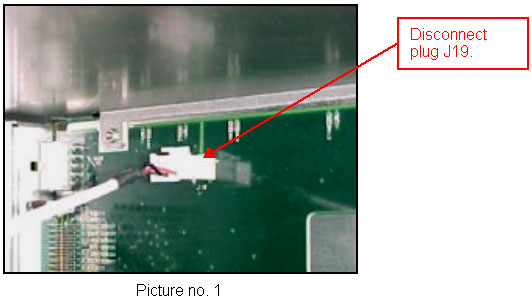
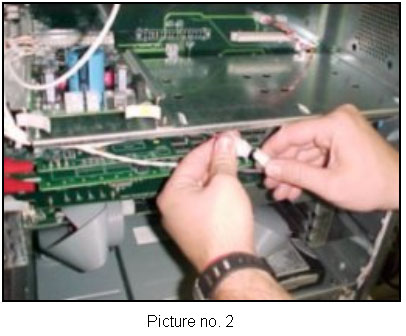
3. Disconnect the Molex plug (6 pins) from the J19 on the mother board (see
picture no. 1)

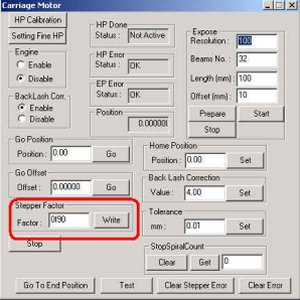
Picture no. 4
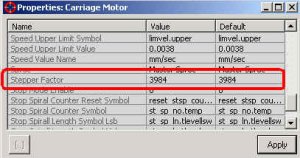
Picture no. 5