Home | Contact Us | Submit Troubleshooting Info | Search | Help


    Output | Software Solutions | Proofing | Color, Screening and Calibration | Scanning | Digital Photography | Consumables | POS


Installing the Creo Feature Licensing Server


Product

  Kodak® Lotem® 800 II Family

Background


Creo Feature Licensing (CFL) is an integrated feature license management system that provides feature control management for multiple applications. Its purpose is to:

  • Protect Kodak device features in a flexible, consistent, and secure manner
  • Protect the value of Kodak service tools

Important: This procedure is applicable when upgrading to Kodak Lotem Controller software version 3.82.16.


Requirements


CD 1


Procedure

 
  1. Insert CD 1 into the CD-ROM drive.
  2. In Microsoft® Windows® Explorer, locate the contents of CD 1.
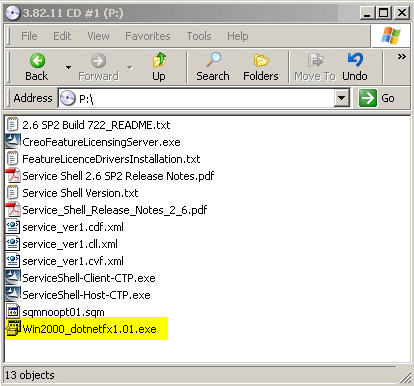
  3. Install .Net Framework for Microsoft Windows 2000.
    1. Double-click Win2000_dotnetfx1.01.exe.


    2. Complete the installation wizard.
  4. Install the Creo Feature Licensing Server software.
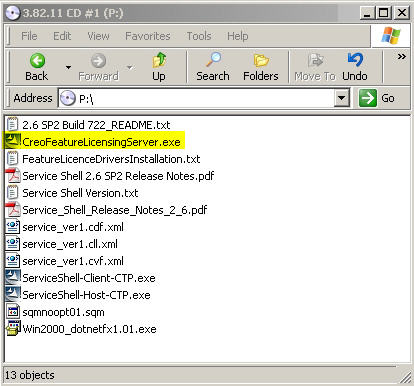
    1. In Windows Explorer, locate the contents of CD 1.
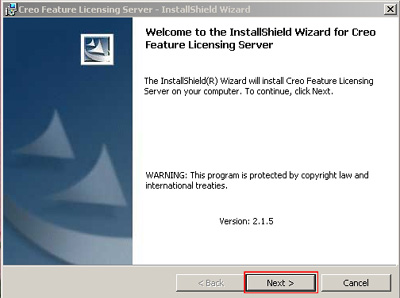
    2. Double-click CreoFeatureLicensingServer.exe to start the InstallShield Wizard for Creo Feature Licensing Server.


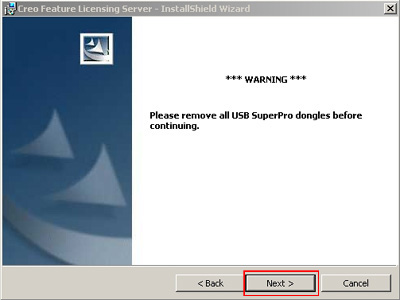
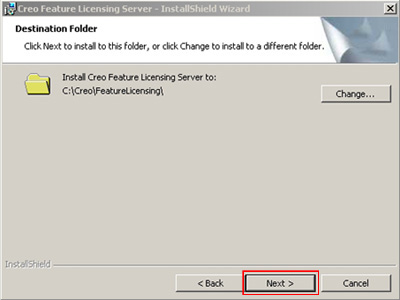
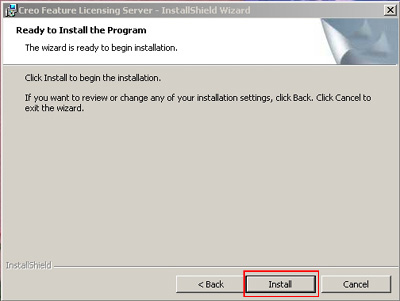
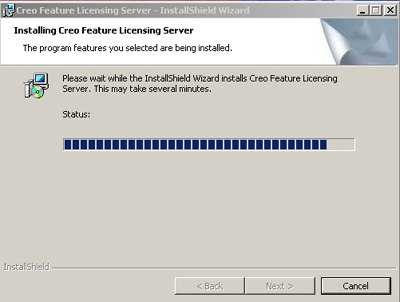
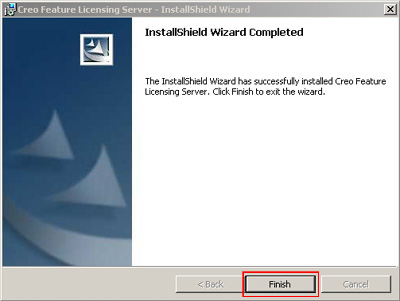
    3. Follow the on-screen instructions to complete the software installation process.


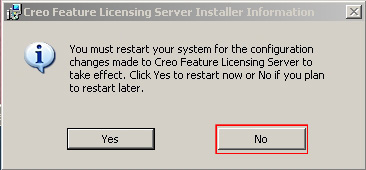
      Important: When prompted to restart the computer, click No.


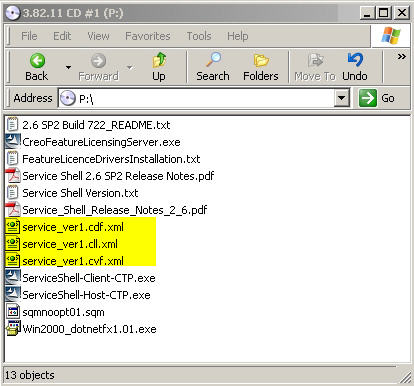
  5. Locate the contents of CD 1, and copy the following XML files to the Database folder (C:\Creo\FeatureLicensing\Database):
    • service_ver1.cdf.xml
    • service_ver1.cll.xml
    • service_ver1.cvf.xml


  6. Restart the computer.
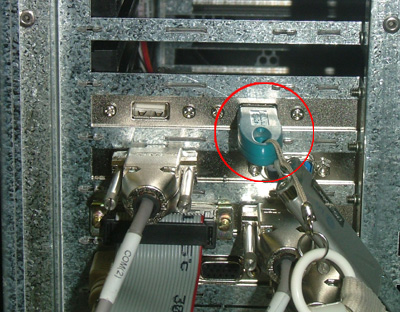
  7. Insert the dongle into the computer’s USB port.


  8. Double-click the Creo Feature Licensing Server icon, located on the desktop.

Test


Make sure the green LED on the service dongle is lit.


See also


Technical contact(s)
 

Content owner: Alon Davidor
See the Escalation page for escalation contacts.

Date submitted
 

13 Dec 2006


    Copyright © 2005 Creo Inc. All rights reserved. Confidential. Back to top.