Home | Contact Us | Submit Troubleshooting Info | Search | Help
Output | Software Solutions | Proofing | Color, Screening and Calibration | Scanning | Digital Photography | Consumables | POS
Home | Contact Us | Submit Troubleshooting Info | Search | Help
Output | Software Solutions | Proofing | Color, Screening and Calibration | Scanning | Digital Photography | Consumables | POS
Product |
|
|
|
Background |
|
|
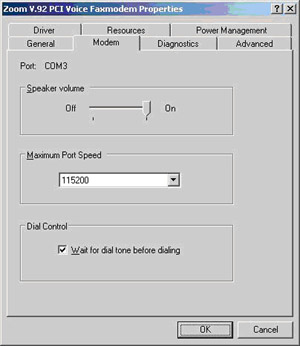
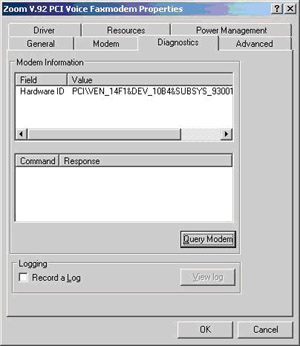
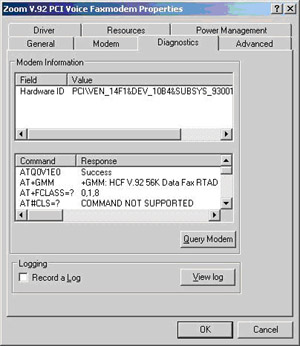
The Zoom V.92 PCI 56K internal analog modem (part number 609-00317) on the Magnus 800 is used to support the device from a remote location. The modem is only to be used if a fast connection (e.g. PPTP or ISDN) is unavailable and/or a modem on the workflow device is unavailable. |
|
Requirements |
|
|
Zoom V.92 PCI 56K internal analog modem Important: The modem can be installed on either an IBM computer or a Lenovo computer. However, the modem can only be installed on a Lenovo computer if the lower PCI slot is available. |
|
Procedure |
|
|
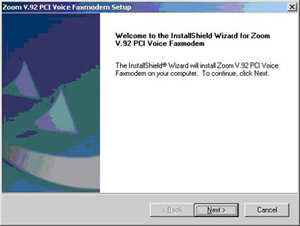
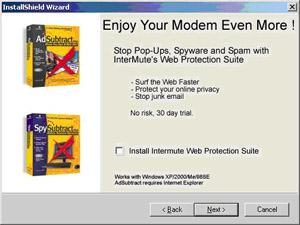
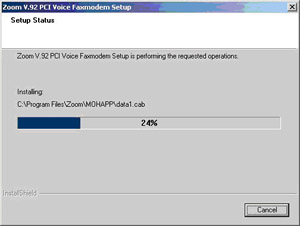
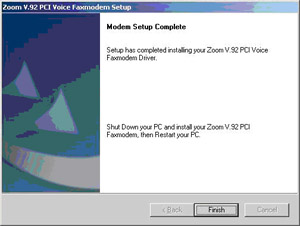
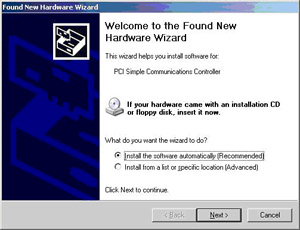
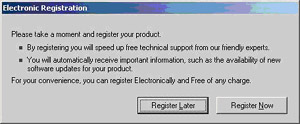
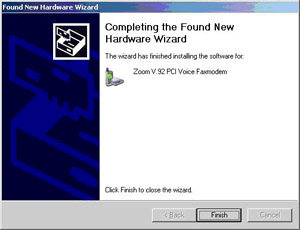
Install the Zoom V.92 PCI Voice Faxmodem driver:
Install the Zoom V.92 PCI Voice Faxmodem card:
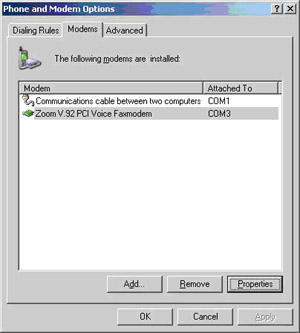
Complete the installation:
|
|
See also |
|
Include links to relevant troubleshooting items, other procedures, documents, or Web sites (where applicable). |
|
Technical contact |
Content owner: Ido Regev |
|
Date submitted |
24 May 2004 |