Home | Contact Us | Submit Troubleshooting Info | Search | Help
Output | Software Solutions | Proofing | Color, Screening and Calibration | Scanning | Digital Photography | Consumables | POS
Home | Contact Us | Submit Troubleshooting Info | Search | Help
Output | Software Solutions | Proofing | Color, Screening and Calibration | Scanning | Digital Photography | Consumables | POS
Product |
|
| Kodak® Magnus™ 800 platesetter | |
Background |
|
|
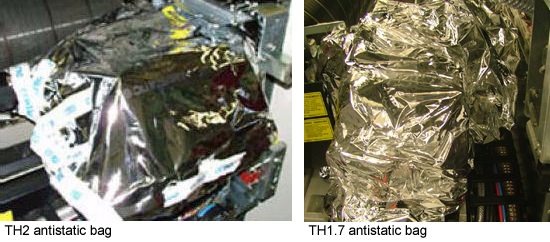
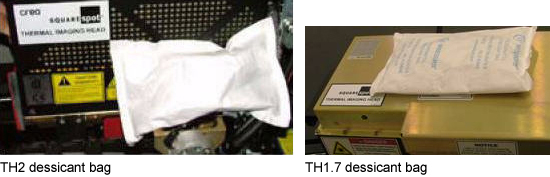
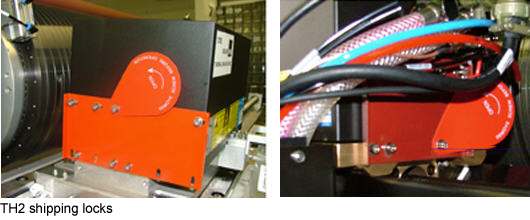
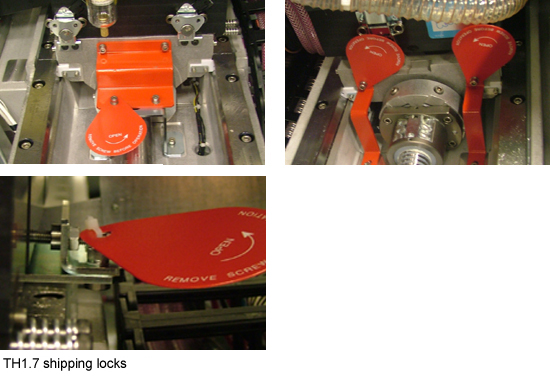
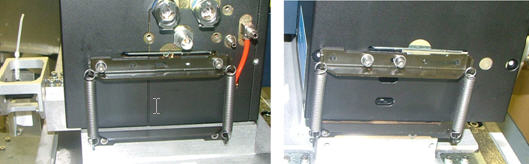
This procedure, (which is part of the platesetter installation procedure) describes how to prepare the TH1.7 and TH2 on a Magnus 800 platesetter. |
|
Procedure |
|
|
|
See also |
|
| Magnus 800 Platesetter Installation Guide | |
Technical contact |
Content owner: Meir Dana |
|
Date submitted |
23 Jan 2008 |