Home | Contact Us | Submit Troubleshooting Info | Search | Help
Output | Software Solutions | Proofing | Color, Screening and Calibration | Scanning | Digital Photography | Consumables | POS
Home | Contact Us | Submit Troubleshooting Info | Search | Help
Output | Software Solutions | Proofing | Color, Screening and Calibration | Scanning | Digital Photography | Consumables | POS
Product |
Kodak Magnus 800 multi-cassette autoloader | ||
Background |
This procedure describes how to verify whether the service panel safety switch is correctly positioned in relation to the service panel. |
||
Procedure |
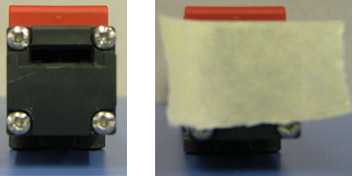
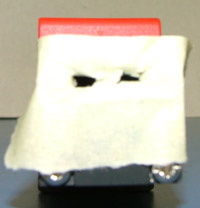
Verifying whether the safety switch key is centrally aligned
with the safety switch Important: Before beginning this procedure, make sure you have verified the position of the top covers and paper disposal door on the Magnus 800 autoloader.
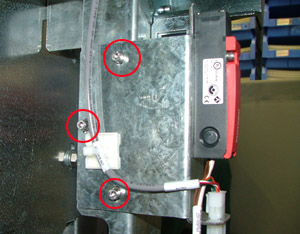
Adjusting the height of the safety switch (vertical alignment) If required, adjust the height of the safety switch until the safety switch key is vertically aligned with the safety switch.
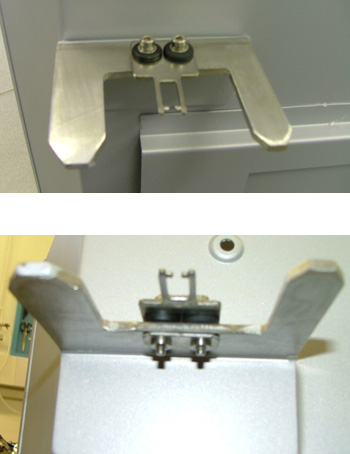
Adjusting the position of the safety switch key (horizontal alignment) If required, adjust the position of the safety switch key until it is horizontally aligned with the safety switch.
|
||
See also |
Verifying the position of the top covers and paper disposal door on the Magnus 800 autoloader | ||
Technical contact(s) |
Content owner: Yaron Shifman |
||
Date submitted |
22 Oct 2006 |
||