

Home | Contact Us | Submit Troubleshooting Info | Search | Help
Output | Software Solutions | Proofing | Color, Screening and Calibration | Scanning | Digital Photography | Consumables | POS
Home | Contact Us | Submit Troubleshooting Info | Search | Help
Output | Software Solutions | Proofing | Color, Screening and Calibration | Scanning | Digital Photography | Consumables | POS
Intro | Installation Procedure | Setup/Integration | Troubleshooting | Picker Upgrade Drawings
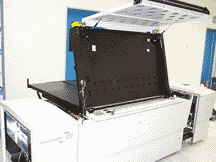
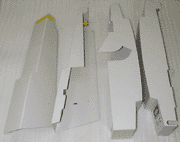
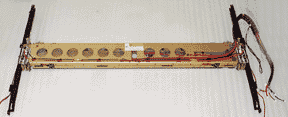
Remove the old picker
  |
 |
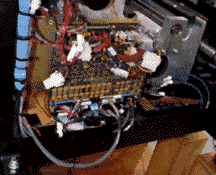
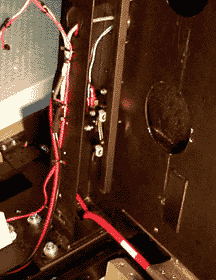
Run the sensor cable through the load table hat section
 |
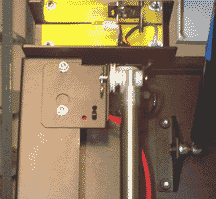
Attach the picker move cylinders to the top of the load table
 |
 |