Home | Contact Us | Submit Troubleshooting Info | Search | Help
Output | Software Solutions | Proofing | Color, Screening and Calibration | Scanning | Digital Photography | Consumables | POS
Home | Contact Us | Submit Troubleshooting Info | Search | Help
Output | Software Solutions | Proofing | Color, Screening and Calibration | Scanning | Digital Photography | Consumables | POS
Product |
Magnus 800 platesetter |
||
Background |
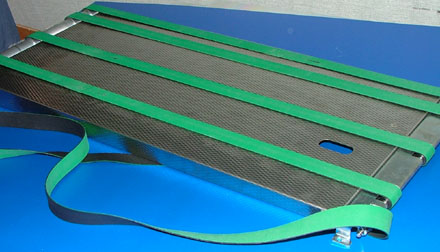
There are five belts on the loading platform conveyor. On occasion the belts may need to be replaced. This procedure describes how to remove and replace the loading platform conveyor belts. |
||
Procedure |
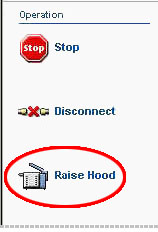
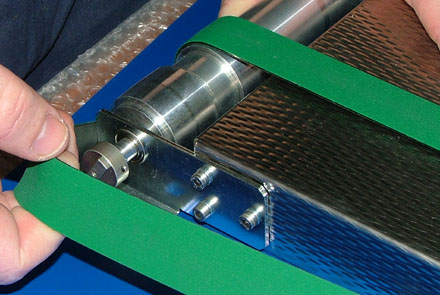
Removing the loading platform conveyor belts
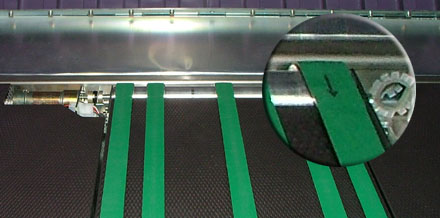
Replacing the loading platform conveyor beltsThe loading platform conveyor belts are made from a fibrous material.
To avoid damaging the belts, the fibers must all face in a specific direction.
Therefore, each belt is marked with an arrow. The arrows on the belts
must all point in the same direction:
|
||
Test |
|
||
See also |
Removing and installing the loading platform conveyor on Magnus 800 |
||
Technical contact(s) |
Content owner: Itai Peperovich |
||
Date submitted |
08 Feb 2006 |
||