Home | Contact Us | Submit Troubleshooting Info | Search | Help
Output | Software Solutions | Proofing | Color, Screening and Calibration | Scanning | Digital Photography | Consumables | POS
Home | Contact Us | Submit Troubleshooting Info | Search | Help
Output | Software Solutions | Proofing | Color, Screening and Calibration | Scanning | Digital Photography | Consumables | POS
Product |
Thermal 2 Head |
||
Machines affected |
All devices with a TH2 head |
||
Errors |
You may see other errors not listed here. |
||
Symptoms |
You may experience random communication, lvd or safety loop errors. The condition may degrade over time. |
||
Cause |
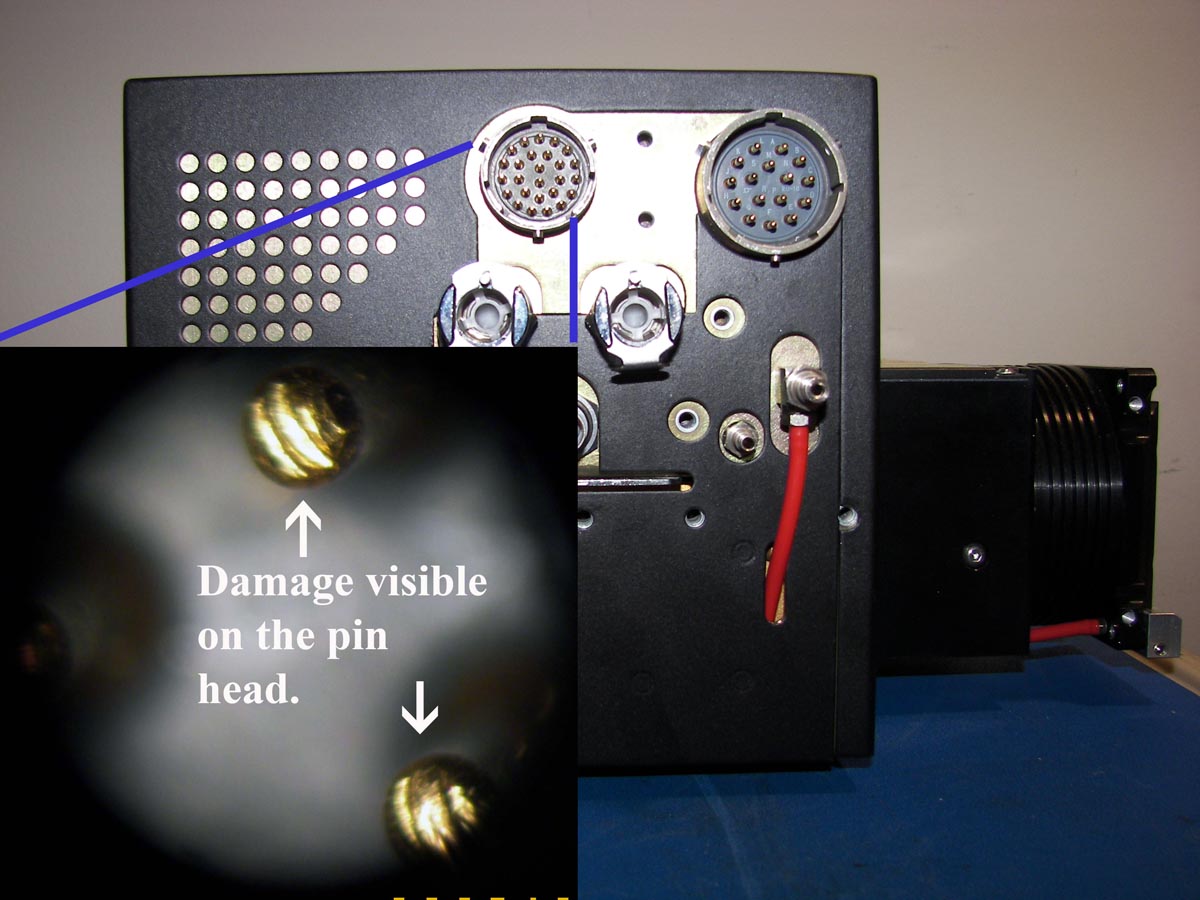
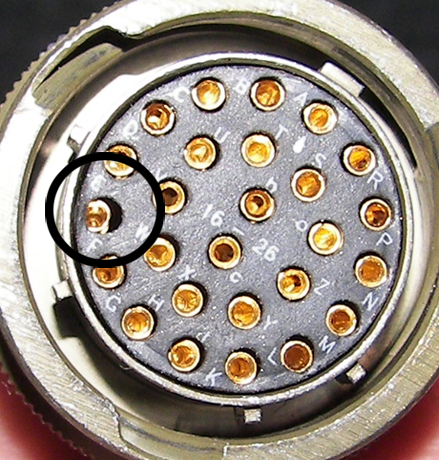
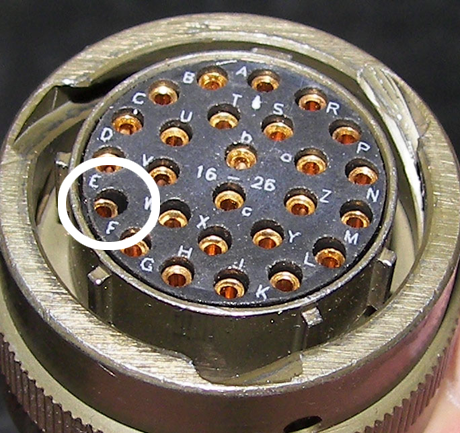
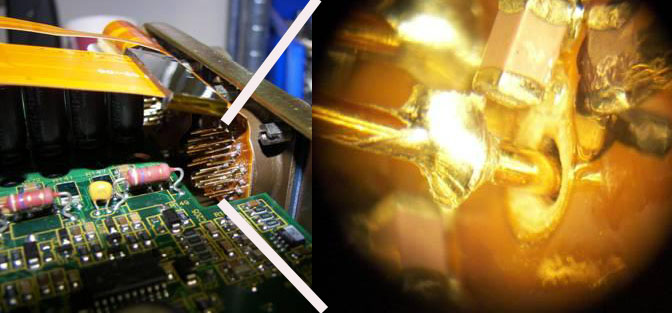
The pins in the control connector on the head or in the control cable from TH2 to MCE are bent or damaged. The outside pins are more susceptible to damage than the interior pins. External damage: Damage inside the head: Click on each image for a larger view. |
||
Solution |
Note: Always check the pin alignment before connecting the control cable. |
||
See also |
Always check the pin alignment before connecting the control cable |
||
Technical contact(s) |
|||
Submitted by |
|||
Date submitted |
20 Jun 2006 |
||