Home | Contact Us | Submit Troubleshooting Info | Search | Help
Output | Software Solutions | Proofing | Color, Screening and Calibration | Scanning | Digital Photography | Consumables | POS
Home | Contact Us | Submit Troubleshooting Info | Search | Help
Output | Software Solutions | Proofing | Color, Screening and Calibration | Scanning | Digital Photography | Consumables | POS
We want to hear from you! Send us your feedback (and your plate samples). Email full artifact details (including machine type, drum speed, laserpower, etc) to TechPlanet Feedback, and send plate samples to your PSS.
See also (on this page):
Select an artifact category or click the icon that best represents the artifact category:
| ID # | Description | Image | Media | Action | Head/Device |
|---|---|---|---|---|---|
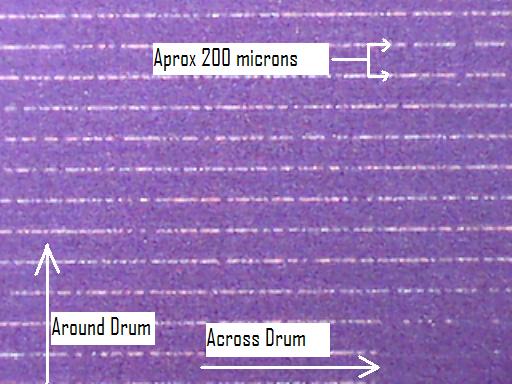
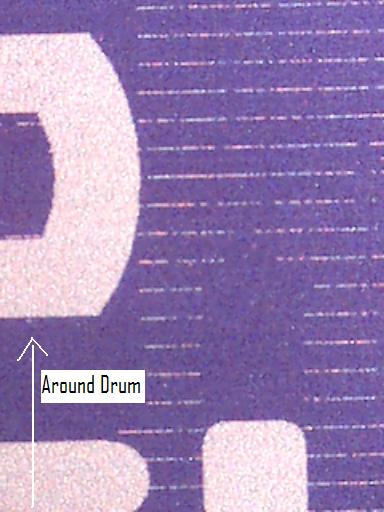
| 0001 | Banding in mainscan vertical direction. | 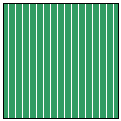 |
All |
See also:
|
All |
| 0002 | Vertical banding due to vibrations in carriage system | Viewed with a tilt tool: 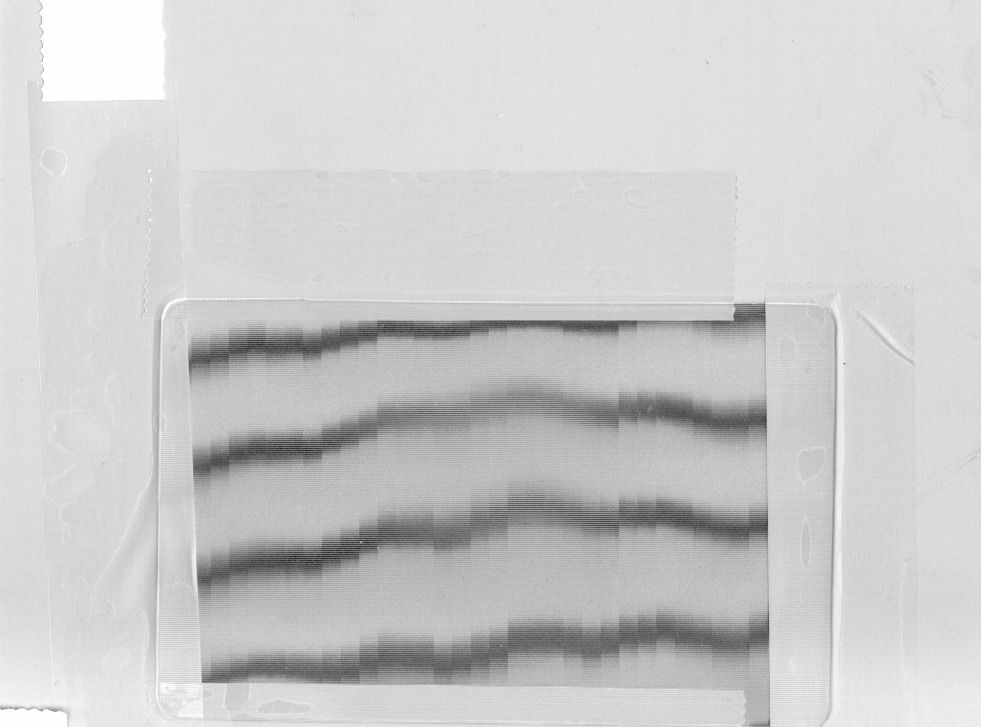 |
All |
Drive belt procedures:
|
All |
| 0003 | Bad or stuck pixel (a beam is always on or off, regardless of data content) | 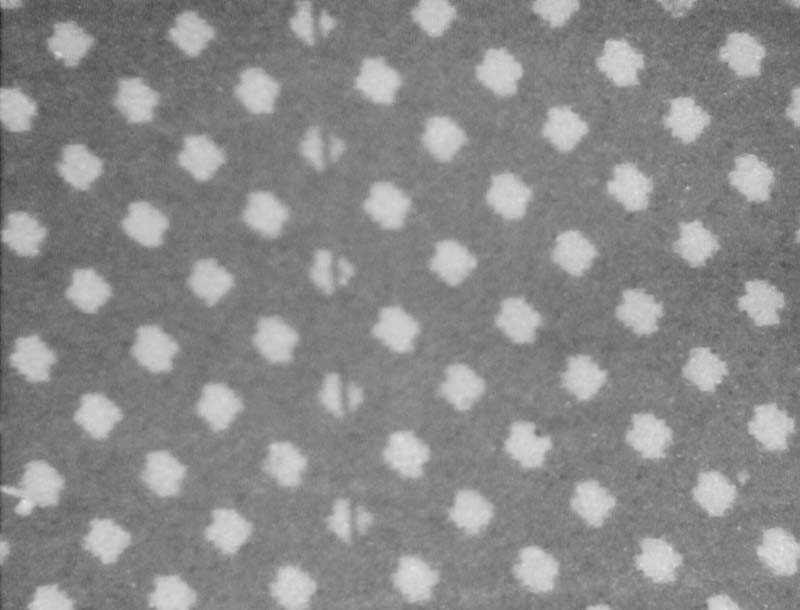 |
All | Troubleshooting a stuck pixel | All |
| 0004 | Focusing error on certain patterns |  |
All |
See also:
|
Thermal 1.X |
| 0005 | Thin line at edge of swath. | On plate:
On press sheet: Magnified: |
All |
|
Thermal 1.X |
| 0006 | Light-dark oscillations often occurring after a plate crease |  |
All |
See also: |
Thermal 1.X |
| 0007 | Part of the thermal head's imaging swath is cut off because the shutter closed during imaging. | 
|
All |
Check to see if the thermal head shutter is stuck closed.
|
Thermal 1.X |
| 0008 | Vertical banding in image area with horizontal lines |
 |
All | Thermal 1.X |
|
| 0009 | Parallel tire-track pattern lines. | 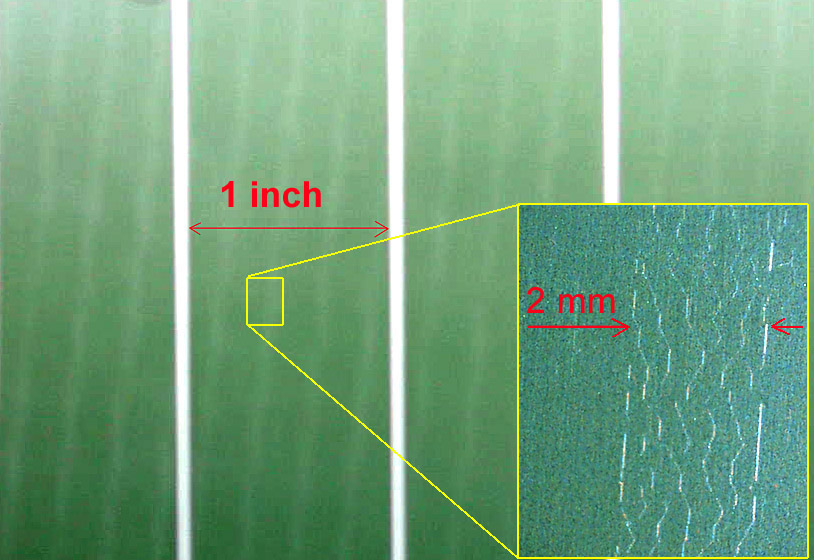 |
All | Replace carriage motor driver pcb. | All |
| 0010 | Vertical pinstripe artifact on high-sensitivity integrating media. | |
Kodak Thermal News, Kodak Thermal News Gold, and Fuji LH-NN plates. | Use the SCORR table to reduce the exposure at the edge of the swath. | Thermal 1.X Thermal 2.X |
| 0011 | Imaging artifact caused by faulty carriage bearings. The white lines indicate the spacing of the artifact (17.9 mm intervals). | 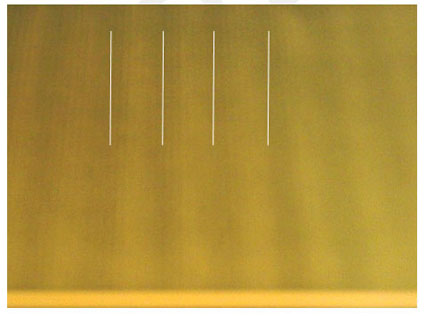 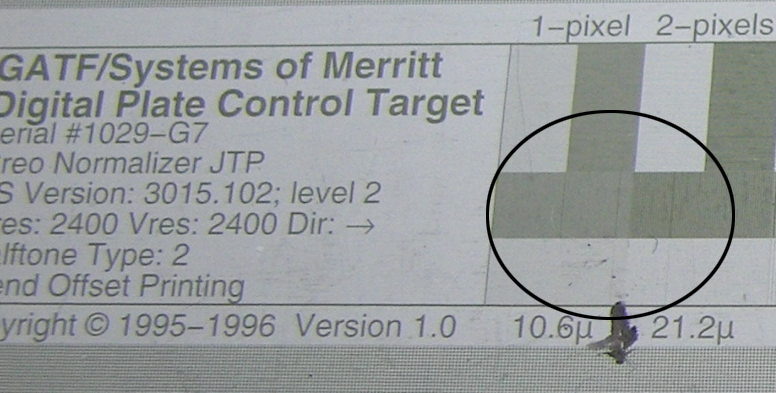 Detail 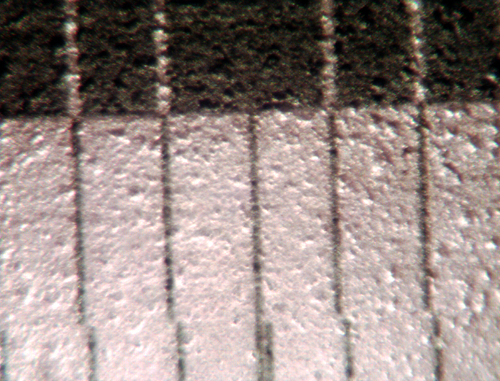
|
All |
This banding effect shows up in 1x1 to 3x3 checkerboards. It is also visible in the vertical line pattern. Closer inspection reveals an additional imaged line which causes this effect. Cause: Carriage bearings are not providing a stable platform for the thermal 2 head. Variation in carriage position causes the escan lines not to line up correctly causing a double line at the swath boundary. Solution: Replace the old style Magnus carriage with the new universal carriage. For full details, see: Imaging Artifact Caused by Carriage |
Magnus VLF Thermal 2.X |
| 0012 | Heavy black lines appear in the image | 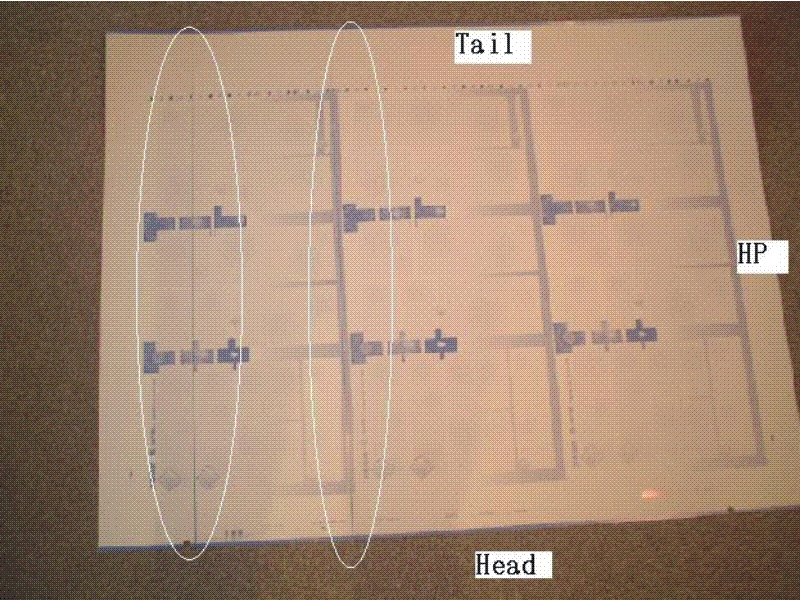 |
All |
For the details, cause, and solution, see: Black lines appear in the image |
Lotem Quantum, Lotem Quantum Spectrum Thermal 2.X |
| 0013 | Thin, vertical line running from top of the plate to the bottom. Note that the line may become thin and disappear at some point. The line will always be in the same place from one plate to the next. | 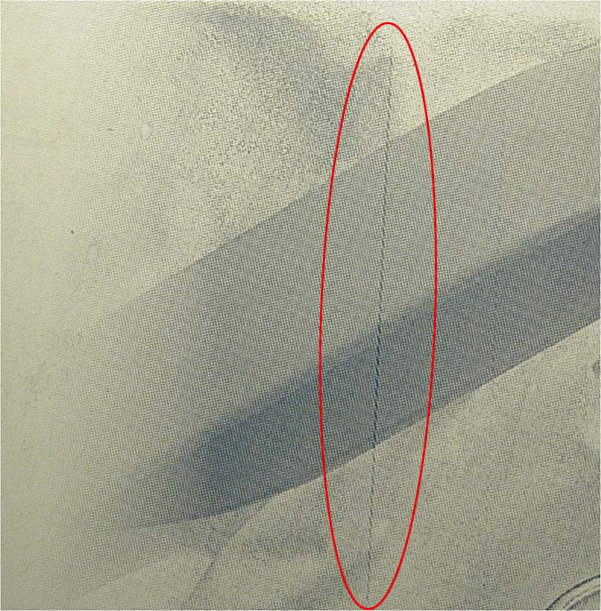
|
All | Clean the carriage tracks. | All |
| 0014 | Extra pixels in the image that are not part of the data. | 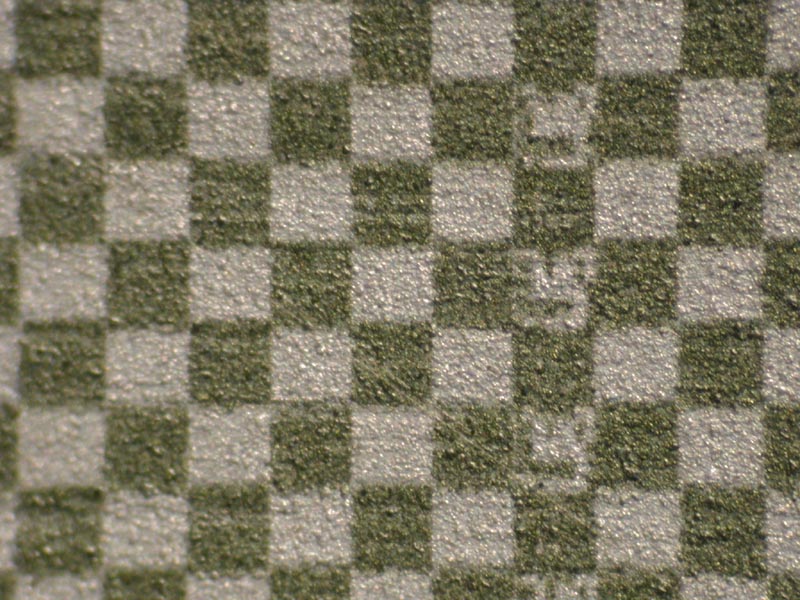 |
All | Ensure
that carriage drive board is using power supply cable 220
00163B.
See also:
Note: If the error number is negative, a very low-level firmware problem has occurred. Contact the Response Centre. |
|
| 0015 | Regular or random lines or pixels inside swath. They will be sharply defined, or "digital". | 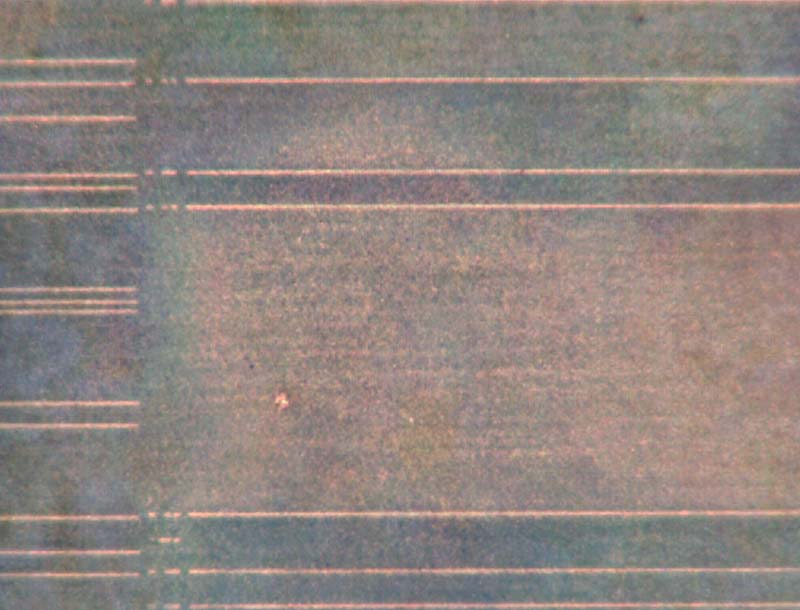 |
All | Ensure
that carriage drive board is using power supply cable 220
00163B.
See also: Random, intermittent subscan image shift |
Thermal 2.X |
| 0016 | Stitch line is visible on panorama plates | 
|
All | Adjust geometric correction parameters | TS NEWS 200 Thermal 2.5 |
| 0017 | Stitching line visible on Trendsetter NEWS 200 with Print Console 3.x |
|
All | Stitching limitation for Print Console 3.x and Trendsetter NEWS 200 | TS NEWS 200 Print Console 3.X |
| 0018 | Solid stripes on-plate |
|
All | TH2 v1.05c firmware defect can cause solid stripes on plate | TH2 Head |
| 0019 | Irregular black vertical lines appear on the exposed image |
|
All | Preventing unwanted black vertical lines from appearing on the exposed image | Lotem devices |
| 0020 | Jitter artifact on lenticular applications |
|
All | Jitter artifact on lenticular applications |
All devices doing lenticular work |
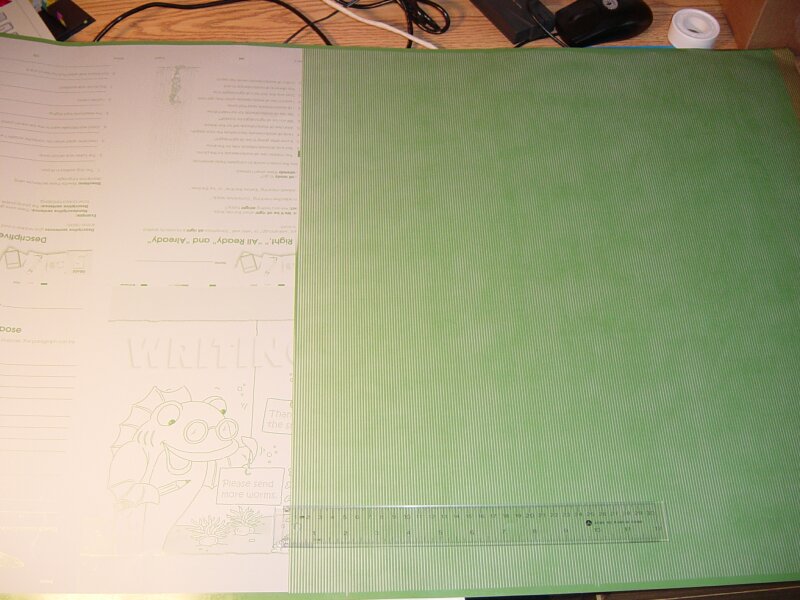
| 0021 | Vertical banding on a press sheet that does not match the imaging swath width (greater than 2.2 mm) |
|
All |
Causes:
|
All devices |
| ID # | Description | Image | Media | Action | Head/Device |
|---|---|---|---|---|---|
| 0101 | Light and dark lines between swaths on alternate plates | 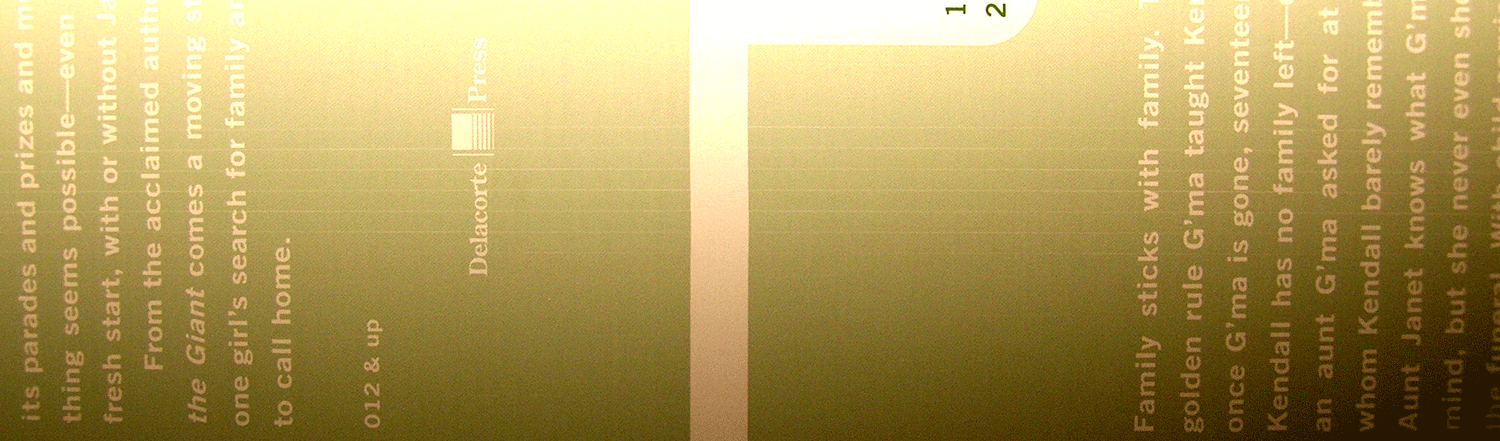
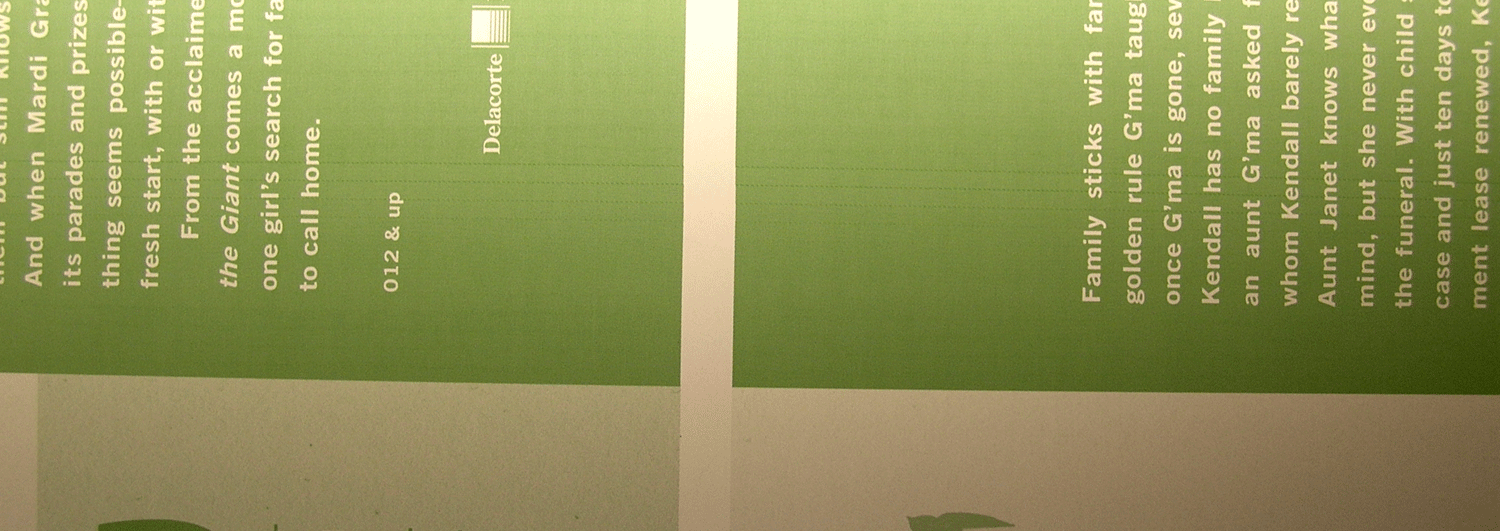 |
All | Troubleshoot Light and dark lines between swaths on alternate plates | |
| 0102 | One-pixel horizontal artifact | On-plate (x10):  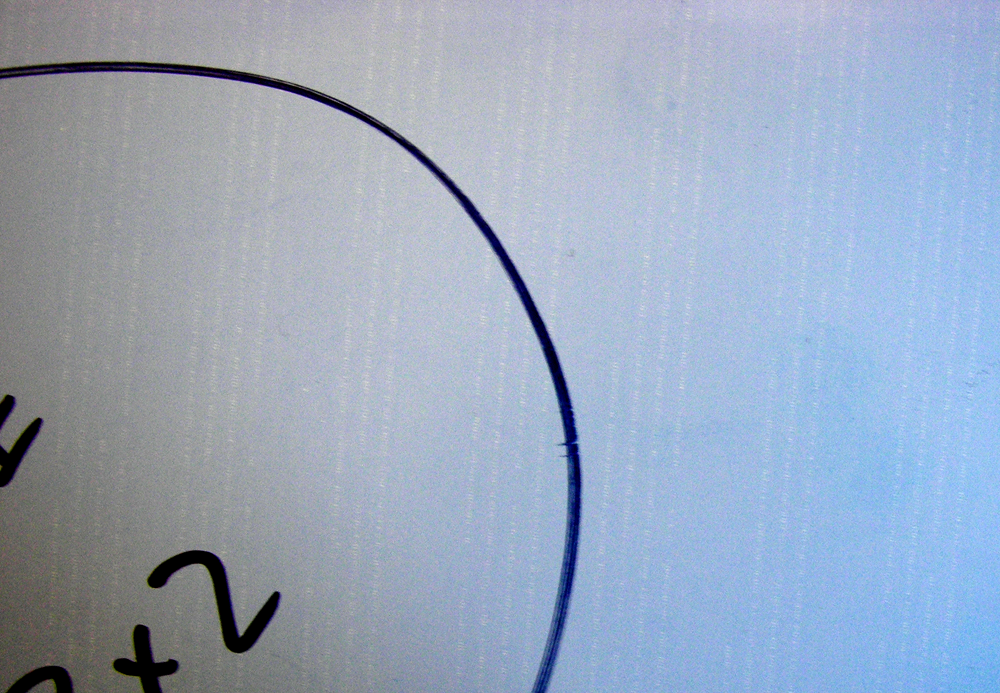
Close-up (x200): |
All | Troubleshoot One-pixel horizontal artifact when using command line plots from Service Shell with GMCE | Thermal 2.X with GMCE |
| ID # | Description | Image | Media | Action | Head/Device |
|---|---|---|---|---|---|
| 0201 | Intermittent image corruption | 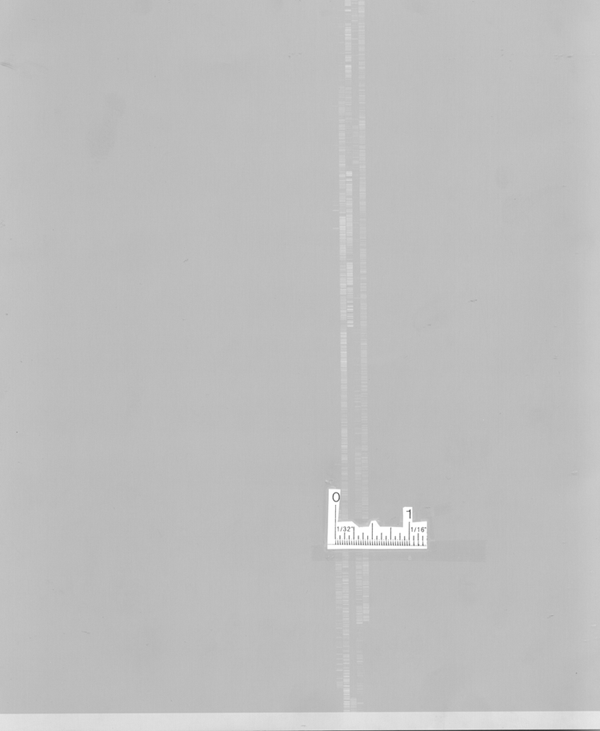 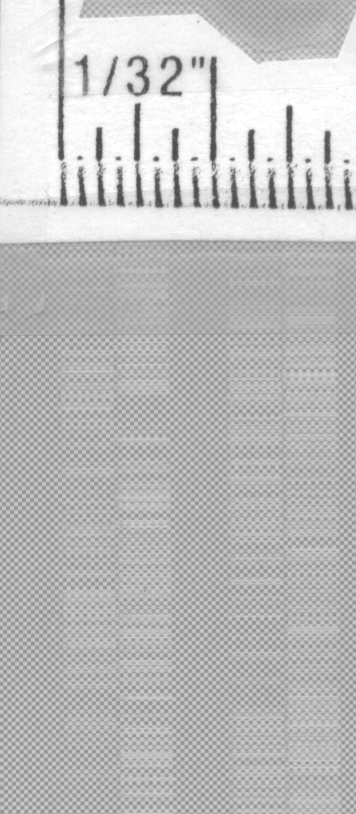
  |
All |
The data from the workflow may be corrupted due to a problem with the data path. |
All |
| ID # | Description | Image | Media | Action | Head/Device |
|---|---|---|---|---|---|
| 0301 |
Image is viewed on the plate or print but is mirrorred left to right. |
 |
All | Check file properties and/or workflow print setup. | All |
| ID # | Description | Image | Media | Action | Head/Device |
|---|---|---|---|---|---|
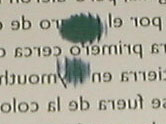
| 0401 | Mid-plate artifacts | 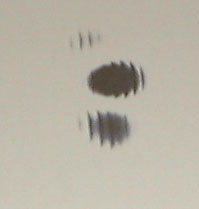
 |
All |
|
All |
| Mid-plate artifacts (Lotem) | 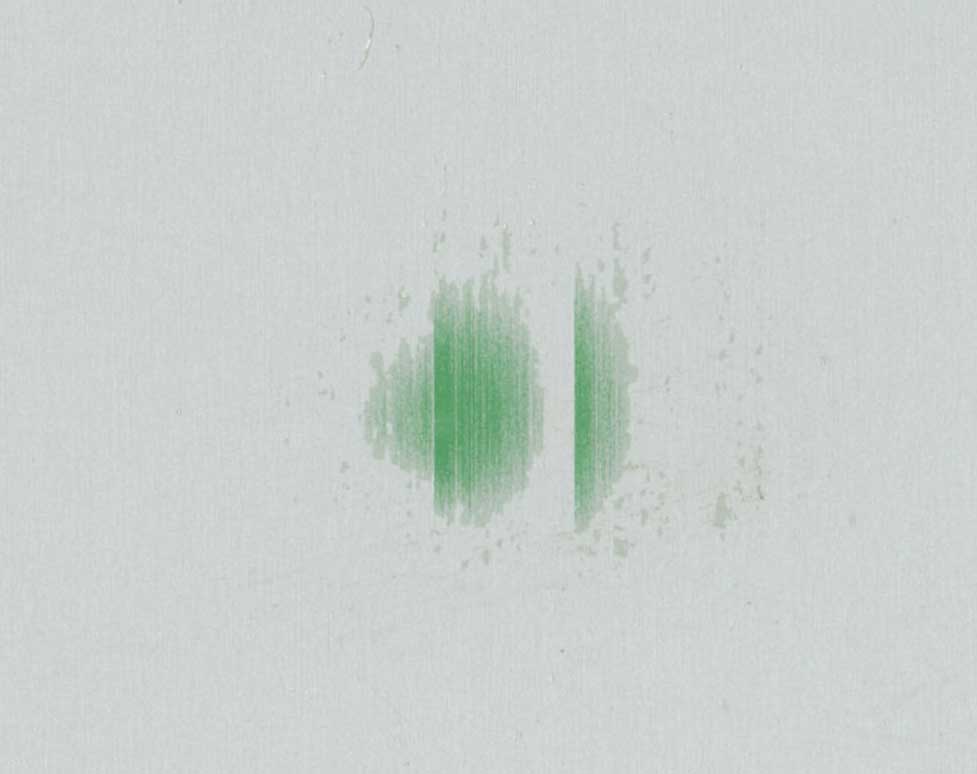 |
All |
|
Lotem 800 II with Thermal 2 head | |
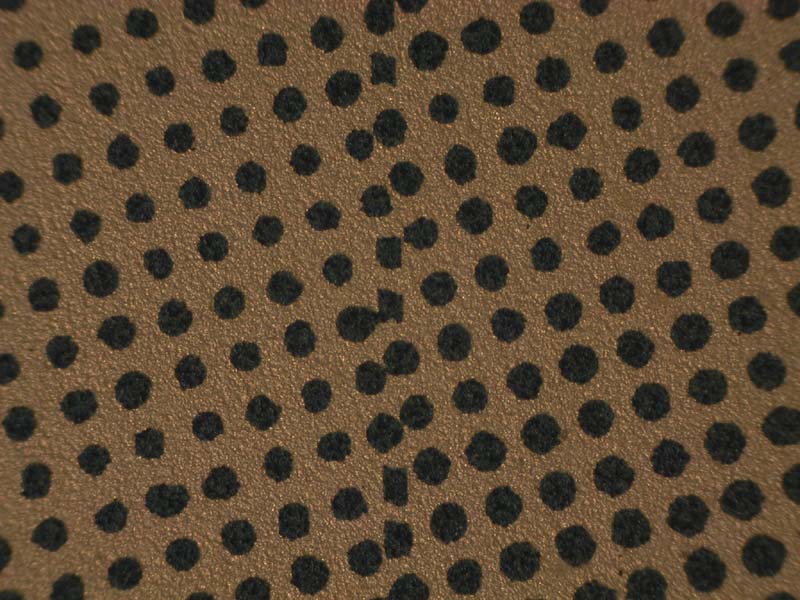
| 0402 | Donut-shaped spots on press sheet | 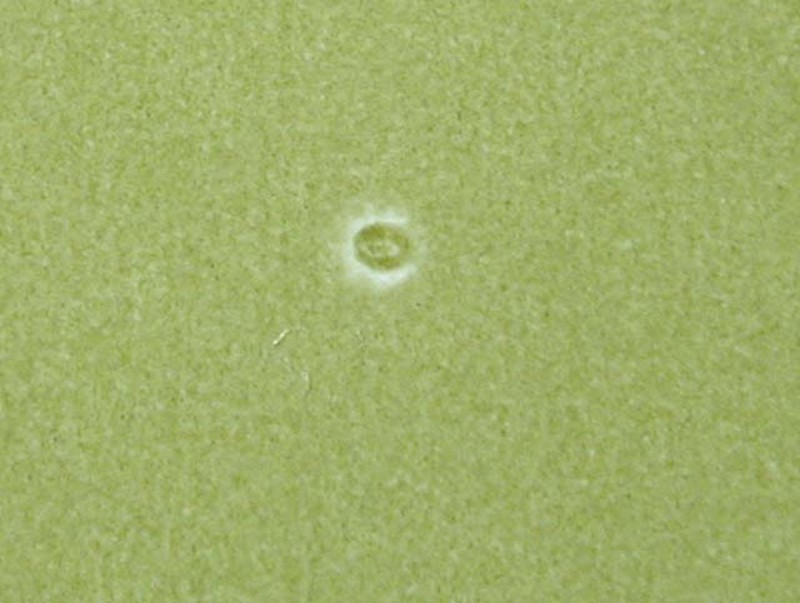 |
N/A |
|
All |
| ID # | Description | Image | Media | Action | Head/Device |
|---|---|---|---|---|---|
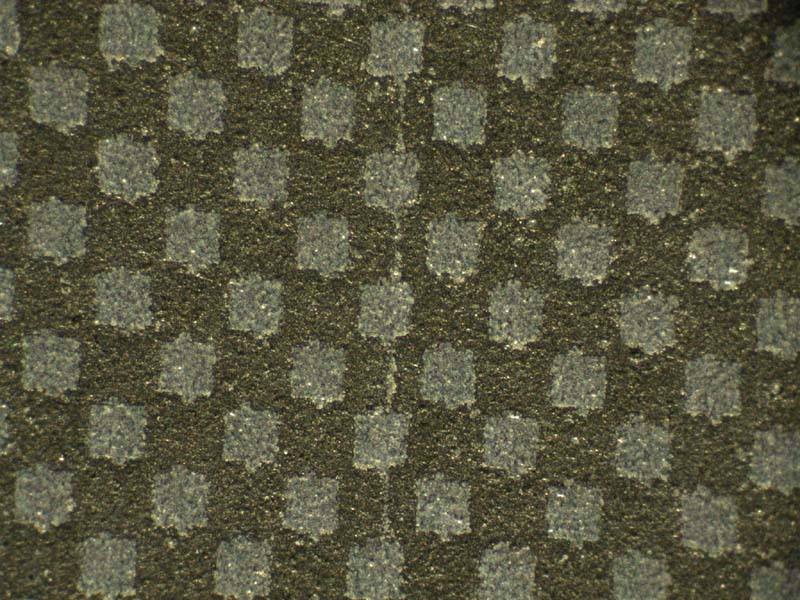
| 0501 | Plot 22 checkerboard pattern | 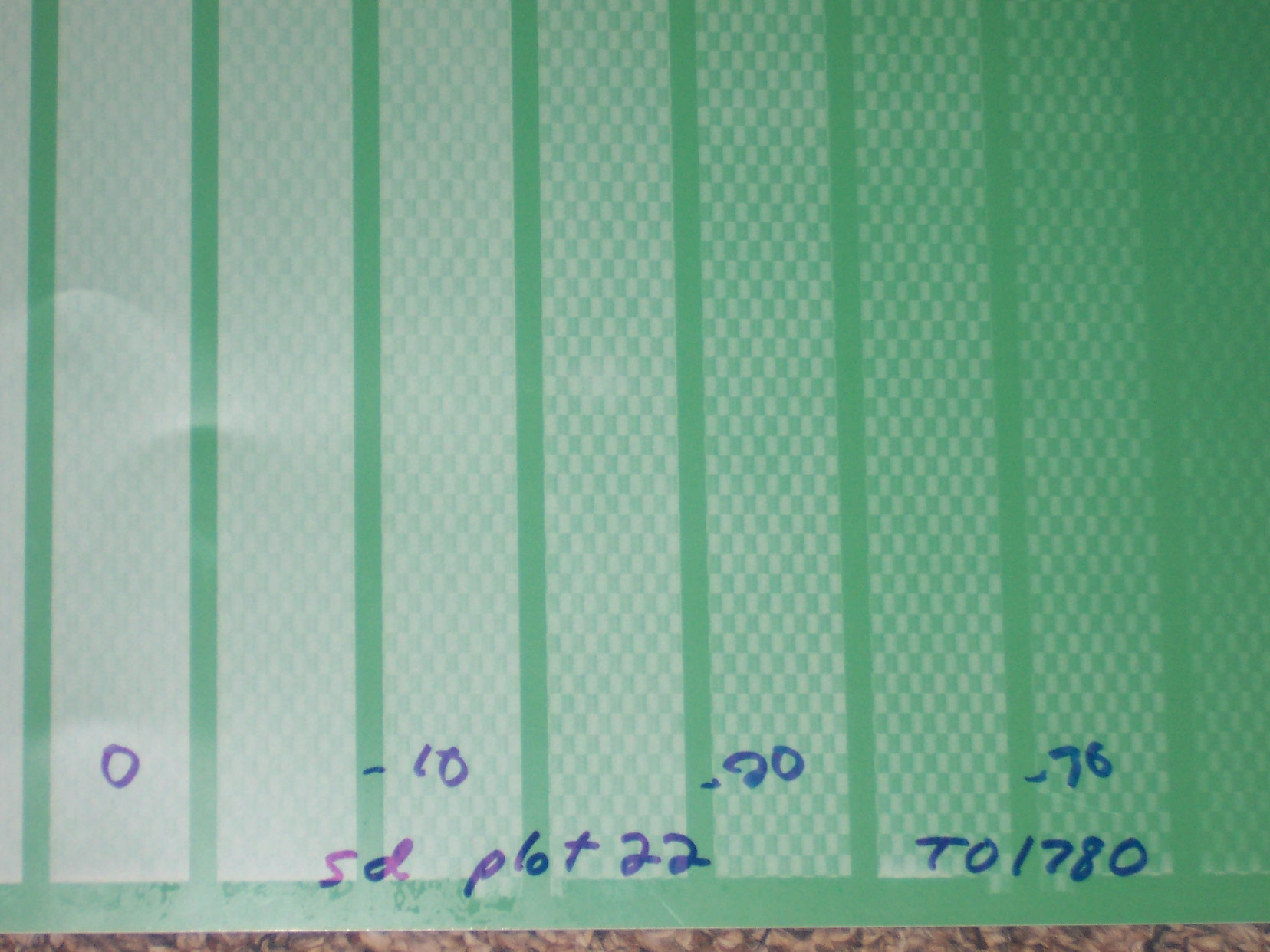 |
All | Adjust surface depth or focus |
Thermal 2 |
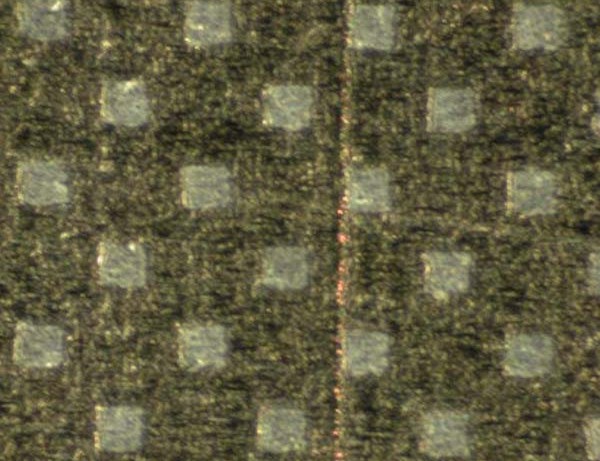
| 0502 | Plot 22 "snakeskin" artifact appears in area approximately 5 mm2. |  |
All | Possible causes:
|
Thermal 2; rarely in Thermal 1.x |
See also: Fogging.
| ID # | Description | Image | Media | Action | Head/Device |
|---|---|---|---|---|---|
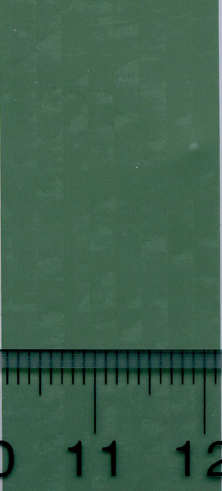
| 0550 | Cloud or blotch-shaped artifacts appear in solids | 
 |
All | All | |
| 0551 | Mottling occurs on the press sheet |  |
Kodak Thermal Direct | For details, cause, and solution, see: Troubleshooting image blinding artifacts on Kodak Thermal Direct |
All |
| ID # | Description | Image | Media | Action | Head/Device |
|---|---|---|---|---|---|
| 0601 | Vertical series of wide lines on home side. | 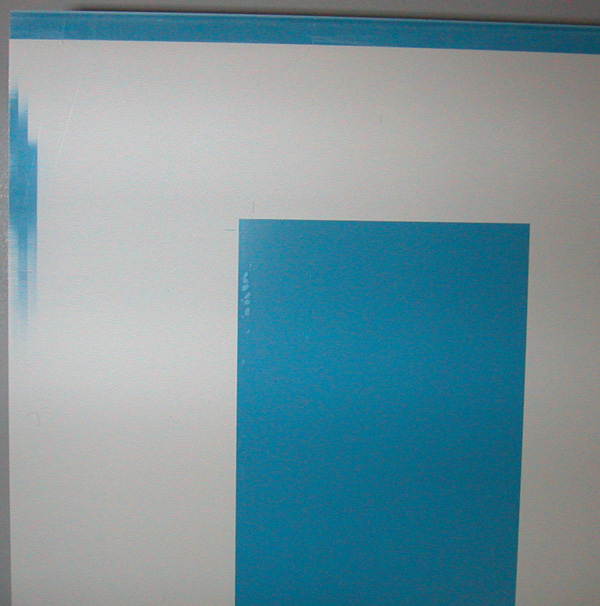 |
All | Adjust the air jet pressure. |
All |
| 0602 | Small spots on leading edge home side of plate. | 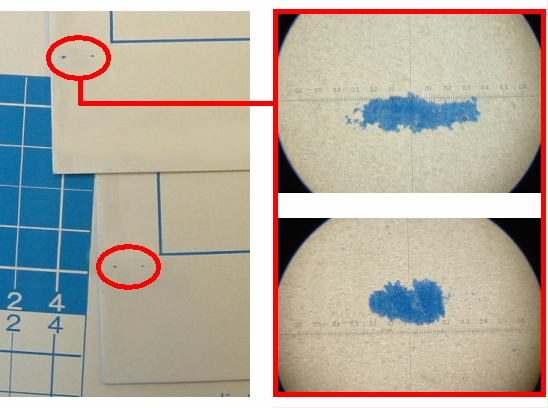
Close-up:
|
Fuji LH-NN and Thermal News Gold | The Troubleshooting item is currently being rewritten and is temporarily unavailable. | Trendsetter NEWS Thermal 2.X |
| 0603 | Triangle artifact on home side of plate |
|
Positive and negative media | Troubleshoot Triangle artifact occurs on home side of plate | Thermal 1.X |
| 0604 | Thin line on the away side. |  |
All | See the details, cause, and solution: Away Side Artifact Details | Lotem Quantum Thermal 2.X |
| 0605 | Pattern appears along home side (edge detect) edge or away side edge of plate. |   |
All |
See also: Random, intermittent subscan image shift |
Trendsetter VLF |
| 0606 | Swaths of missing or corrupted data appear on home or away edges of plate | 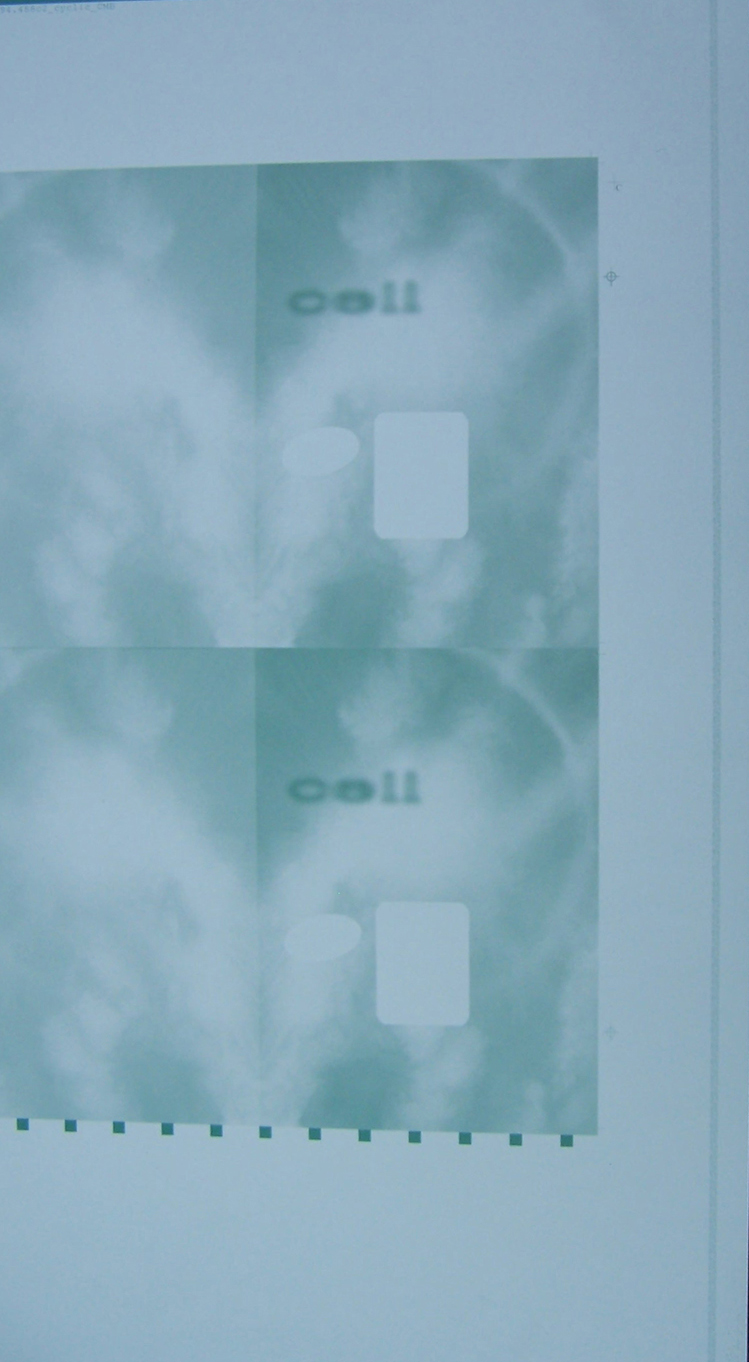 |
All positive media | See the details, cause, and solution: WJO Artifact | Trendsetter MPE devices Thermal 1.X |
| ID # | Description | Image | Media | Action | Head/Device |
|---|---|---|---|---|---|
| 0701 | Pattern appears along trailing edge of plate. Trailing edge location depends on the device and plate loading method. |  |
All |
|
All |
| 0702 | Tail gripper artifact. |  |
All | See details, cause, and solution: Tail Gripper Artifact Details | Lotem Quantum |
| ID # | Description | Image | Media | Action | Head/Device |
|---|---|---|---|---|---|
| 0801 | Clamp artifact on top edge of plate. | 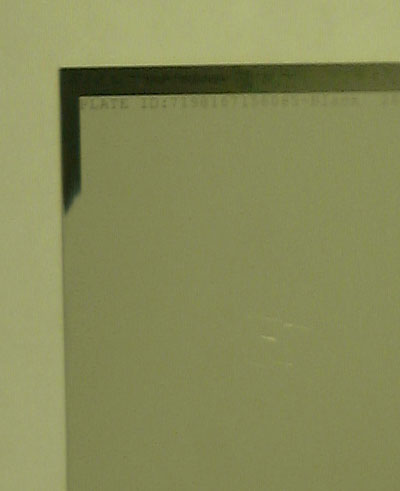
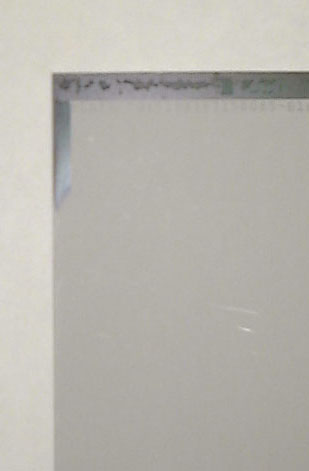
|
All | See details, cause, and solution: Clamp Artifact Details | Lotem Quantum Thermal 2.X |
| ID # | Description | Image | Media | Action | Head/Device |
|---|---|---|---|---|---|
| 0901 | Image is out of focus, blurry, or lacks sharpness. Faint image, possibly with banding or no image in out-of-focus areas. |  |
All | All |
| ID # | Description | Image | Media | Action | Head/Device |
|---|---|---|---|---|---|
| 1001 | Image is fogged. This is an issue only with negative pre-heat plates. |  |
All |
See the appropriate media technical note for the correct handling and storage of each plate type. |
All |
| ID # | Description | Image | Media | Action | Head/Device |
|---|---|---|---|---|---|
| 1101 | Density of solid colors | 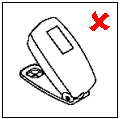 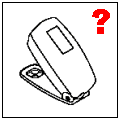 |
All |
Note: With positive plates, this will be caused by a problem with the plate or processor. It cannot be a head-related problem. With negative plates, it may be an imaging problem or a problem with the batch or
processing line.
|
All |
| ID # | Description | Image | Media | Action | Head/Device |
|---|---|---|---|---|---|
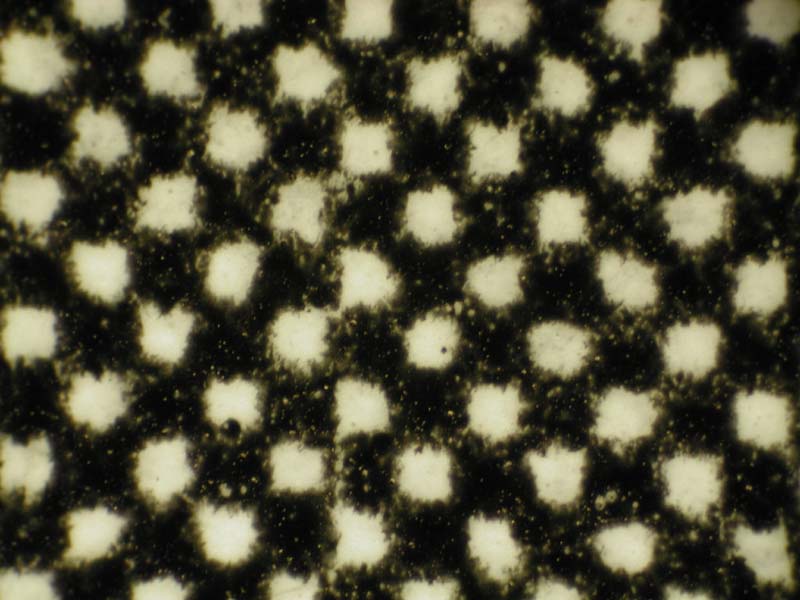
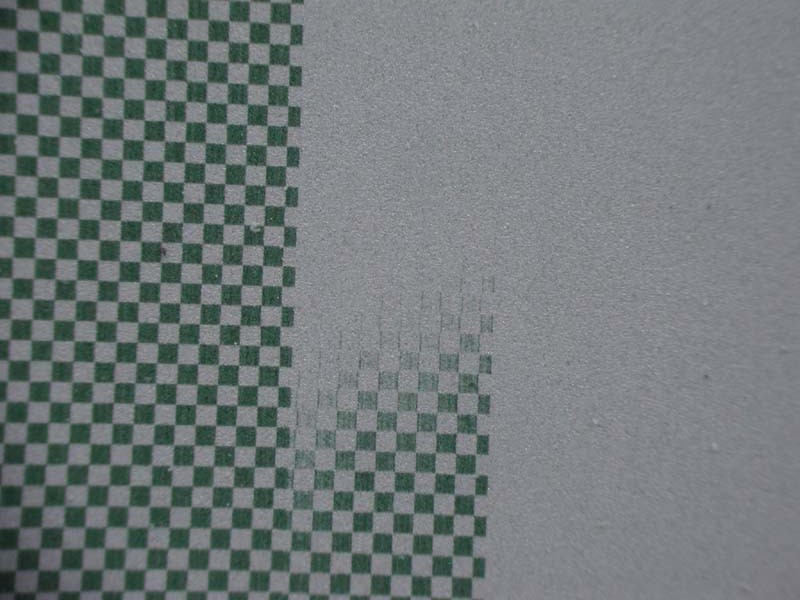
| 1201 | Squares in a checkerboard pattern appear crooked (not square) or broken | 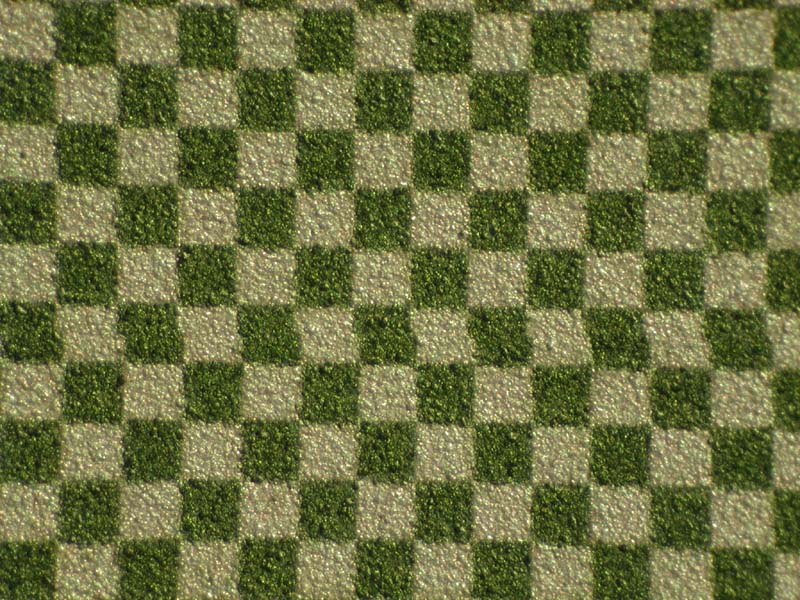 |
All |
No action required. This is an expected and unavoidable artifact of the orthogonality correction on Kodak output devices with thermal imaging heads. |
All |
| ID # | Description | Image | Media | Action | Head/Device | ||||
|---|---|---|---|---|---|---|---|---|---|
| 1301 | Part of image shifted (typically in mainscan direction) |  |
All |
For MCE-based devices: Imaging Artifacts on MCE devices |
All | ||||
| 1302 | Image is shifted on plate |  |
All |
|
All | ||||
| 1303 | Parts of image shifted in
mainscan direction or On TS NEWS 200 devices, the master or slave image on panorama plates is shifted in mainscan and/or subscan direction |
|
All |
|
TS NEWS 200 Thermal 2.5 |
||||
| 1304 | On TS NEWS 200 devices, the image is randomly & intermittently shifted by 4 to 6 mm in the subscan direction | 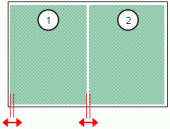
OR
|
All | TS NEWS 200 Thermal 2.5 |
| ID # | Description | Image | Media | Action | Head/Device |
|---|---|---|---|---|---|
| 1401 | Image is stretched or shrunk in the subscan direction |  |
All |
|
Trendsetter 400/800 base, Lotem 800 II |
| ID # | Description | Image | Media | Action | Head/Device |
|---|---|---|---|---|---|
| 1501 | On panorama plates, slave head image scale is different than master head image |  |
All | Adjust the mscale
(mainscan scale) parameter to compensate, as described in the Geometric
correction setup procedure. |
TS NEWS 200 Thermal 2.5 |
| ID # | Description | Image | Media | Action | Head/Device |
|---|---|---|---|---|---|
| 1601 | Plate registration is incorrect. The color separations are not aligned. |  |
All | See Troubleshooting plate registration/image shift issues. See also
|
| ID # | Description | Image | Media | Action | Head/Device |
|---|---|---|---|---|---|
| 1701 | No image appears on plate |  |
All |
TH2: No Image Appears on the Plate Troubleshooting error 02317, The laser beam was not detected
|
All |
| ID # | Description | Image | Media | Action | Head/Device |
|---|---|---|---|---|---|
| 1801 | Fingerprints appear on plate | 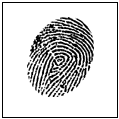 |
N/A | Ensure that plates are handled by edges and that gloves are worn. | All |
| ID # | Description | Image | Media | Action | Head/Device |
|---|---|---|---|---|---|
| 1901 | Scratches (vertical, horizontal, or diagnoal) appear on emulsion side of plate. |   
|
All |
|
All |
| ID # | Description | Image | Media | Action | Head/Device |
|---|---|---|---|---|---|
| 2001 | Scratches appear on the aluminum side of plate (vertical, horizontal, or diagonal). | 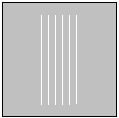  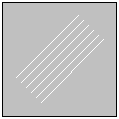
|
All |
|
All |
| ID # | Description | Image | Media | Action | Head/Device |
|---|---|---|---|---|---|
| 2101 | Punch artifact on top edge of plate. | 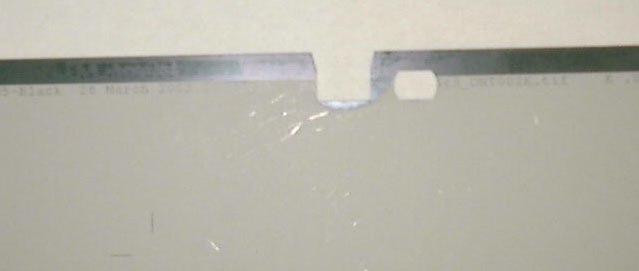 |
All | Do not punch the plate before imaging. For details see Punch Artifact Details. |
All |